Best AI meeting assistant in 2026: 5 tools compared
Summary
TL;DR: we compared the best AI meeting assistant options for 2026, TicNote, Fathom, Otter.ai, Fireflies.ai, and Read AI, on capture method, free-tier usability, and what you get beyond a transcript. TicNote wins for turning meetings into finished reports and decks instead of just notes; Fathom is the strongest free option with no cap. Five tools, four real differences, one clear pick depending on what needs to happen after the call ends.
Five AI meeting assistants compared: TicNote, Fathom, Otter.ai, Fireflies.ai, and Read AI, on capture method, free tier, and what you get once the call ends.
At-a-glance
| TicNote | Fathom | Otter.ai | Fireflies AI | Read AI | |
|---|---|---|---|---|---|
| Free tier | 300 min/month transcription | Unlimited for individuals, no cap, no expiry | 300 min/month, 30 min per meeting cap | 800 min storage/month | 5 meetings/month |
| Starting paid price | ~$15-29/mo | $16-20/mo (Premium, individual) | $8.33-16.99/mo (Pro) | $10-18/mo (Pro) | ~$19.75-29.75/mo (Pro) |
| Capture method | Chrome extension, no bot invited to the call | Bot, or bot-free capture (beta on Mac) | Joins as a visible bot or live in-browser | Joins Zoom/Meet/Teams as a visible bot | Joins as a visible bot, plus inbox add-on |
| Transcription languages | 120 languages | English-first, multiple languages supported | Primarily English, limited additional coverage | 60+ languages | 20+ languages |
| What you get beyond a transcript | Reports, decks, dashboards via Shadow Agent, source-linked | Instant recap + Ask Fathom search across call history (paid) | Short AI summary + action items | Talk-time, sentiment, CRM sync (Salesforce/HubSpot) | Cross-channel search across meetings, email, chat |
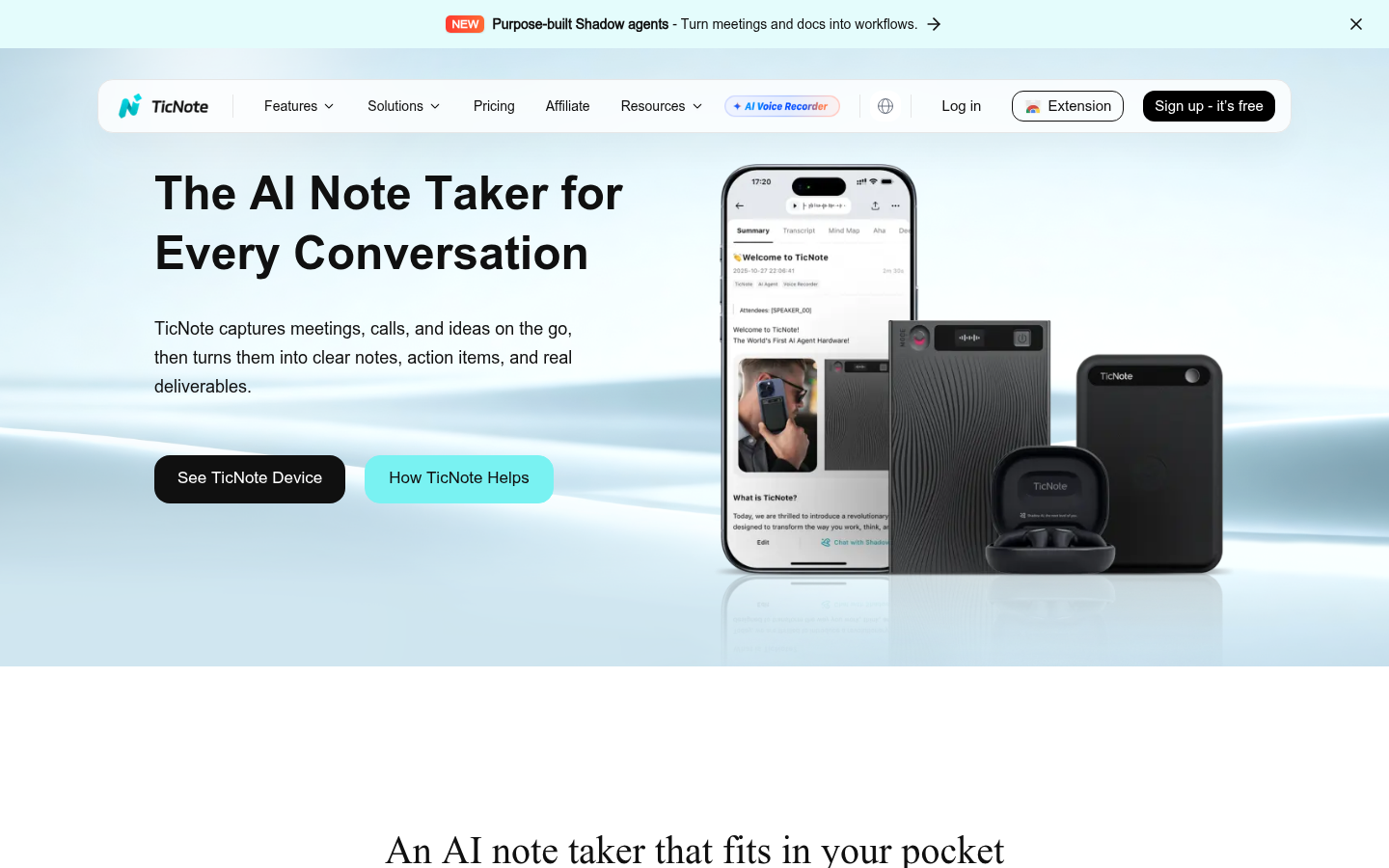
TicNote
- Shadow Agent turns a single meeting into a report, deck, or dashboard, not just a summary
- Chrome extension captures audio directly, so no visible bot joins your call
- Every generated claim links back to the exact moment in the source recording
- Free tier caps out at 300 minutes a month, tight for back-to-back meeting days
- The best outputs need a specific prompt, a generic ask gets a generic deliverable
Best pick if a meeting should end with a usable file, not just a transcript.
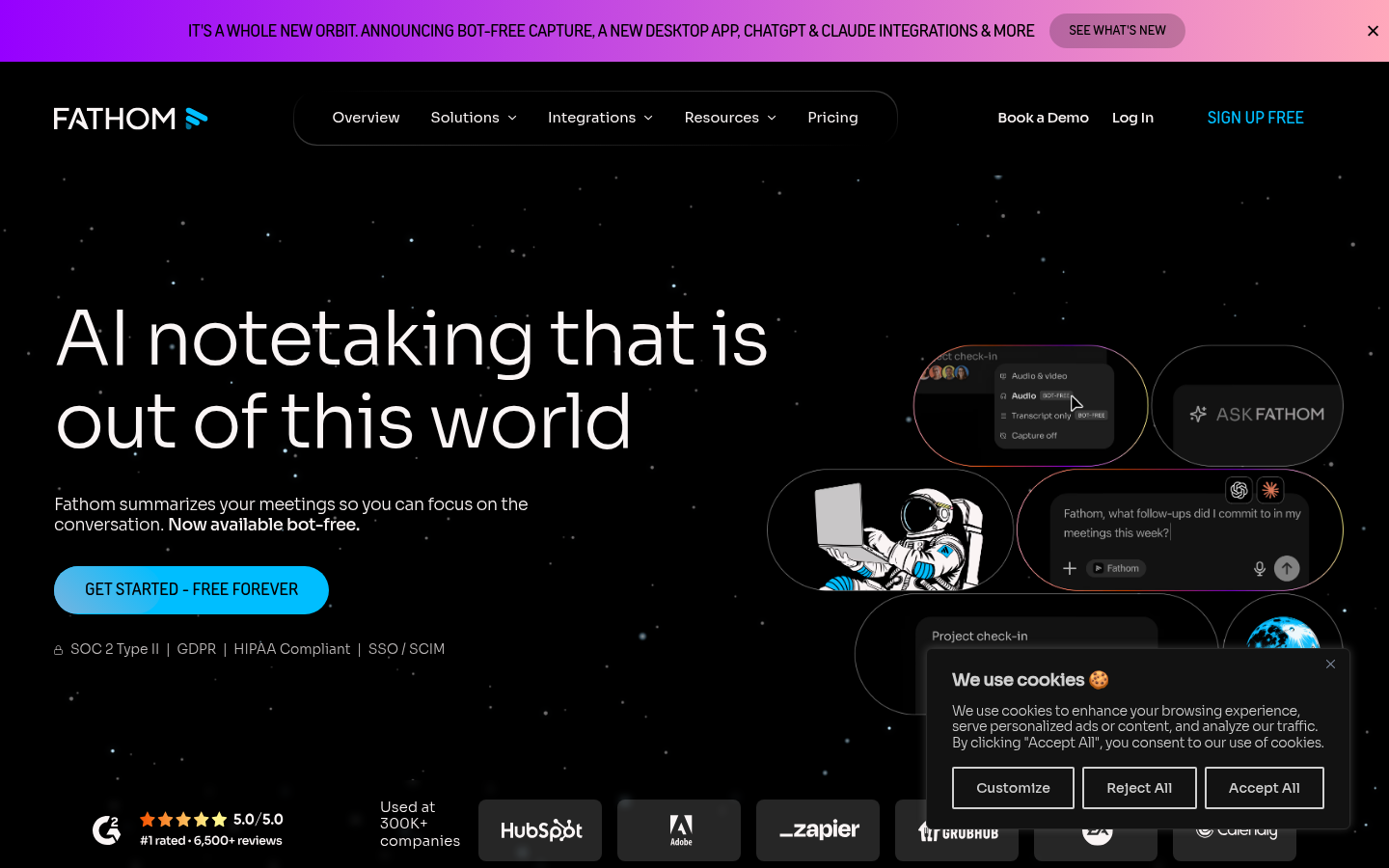
Fathom
- Free plan has no meeting cap, no seat limit, and no expiry on your history
- Bot-free capture option in beta avoids an extra visible participant on the call
- Ask Fathom searches your full meeting history once you're on a paid plan
- AI Scorecards and CRM sync, the features sales teams want most, are Business-tier only
- No native mobile app for capturing in-person conversations outside calendar meetings
Best pick if you want a real free tier with no trial clock running.
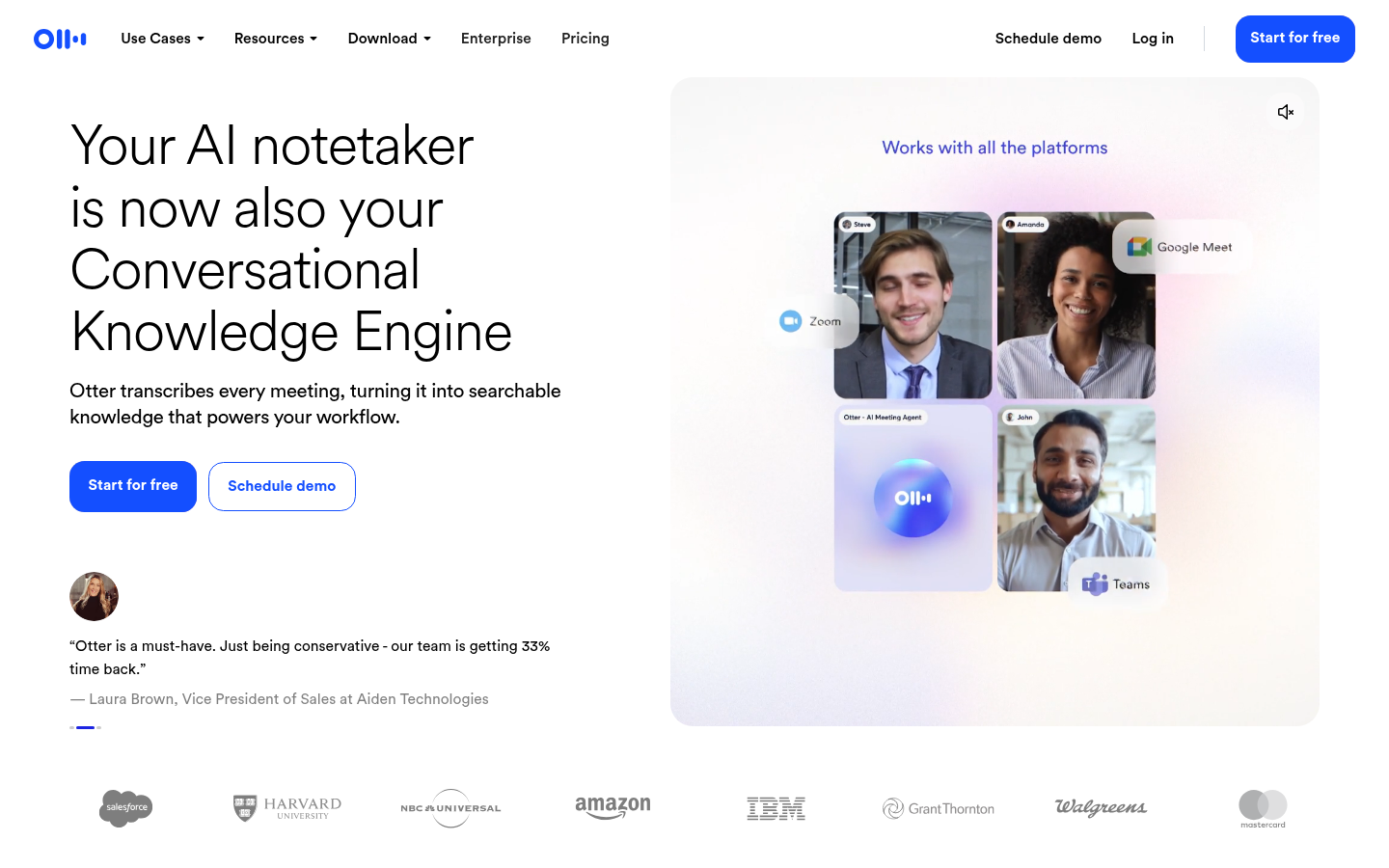
Otter.ai
- Live transcription and captioning appear inside the call itself, not just after
- Speaker identification and word-level playback are mature and reliable
- Mobile apps are genuinely usable, with widgets and Siri shortcuts
- Free meetings are capped at 30 minutes each, short for most real meetings
- AI Chat query allowance stays capped even on the paid Business tier
Best pick for the fastest, most accurate live transcript in the room.
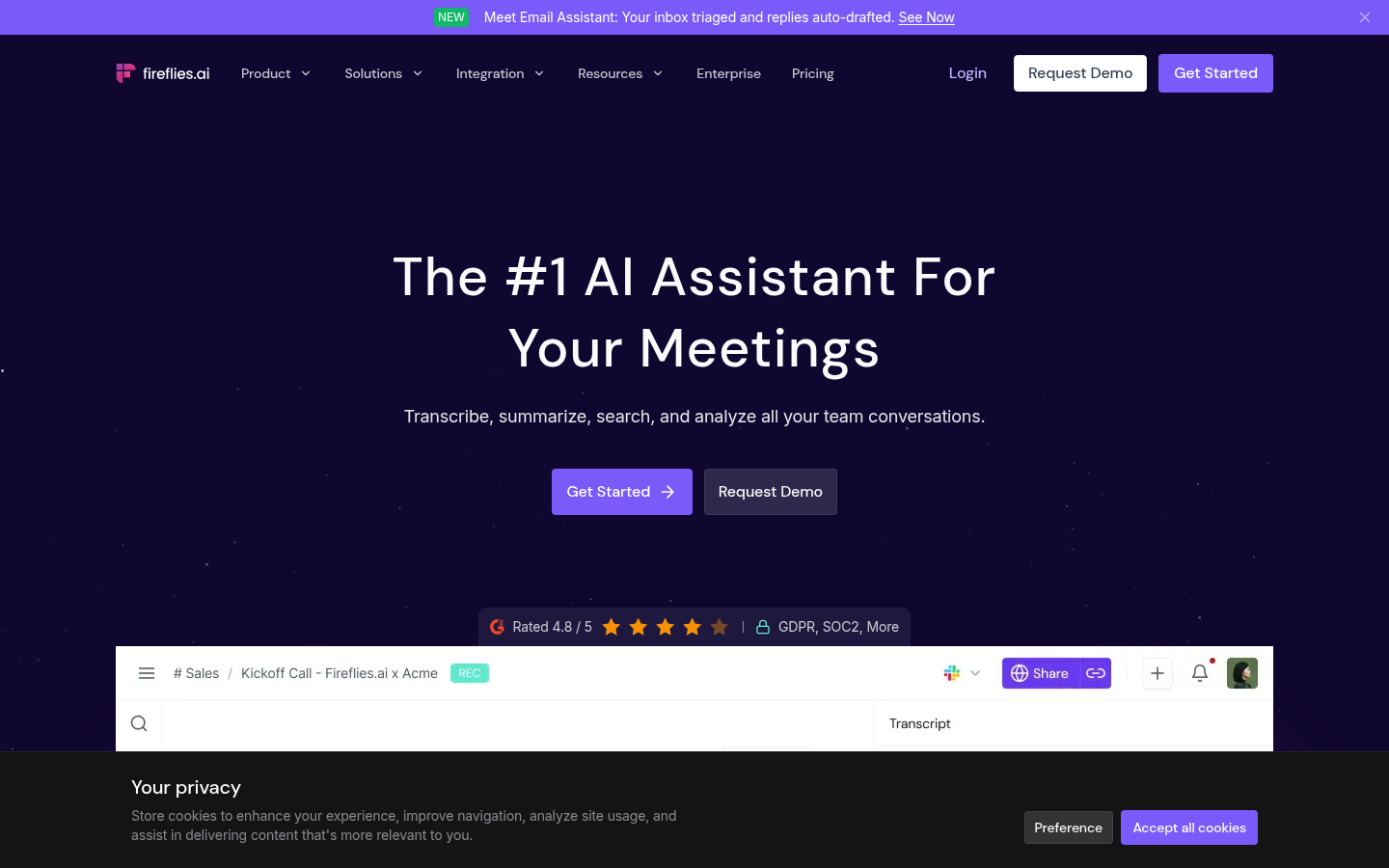
Fireflies AI
- Talk-time ratio, sentiment, and topic tracking give sales teams real conversation data
- Deep Salesforce and HubSpot integrations push meeting data straight into the CRM
- Transcribes in 60+ languages, ahead of most competitors here
- AI summary credits on paid tiers cap how much you can actually generate monthly
- The bot join can feel intrusive in smaller, informal team meetings
Best pick for sales and RevOps teams who need analytics, not just notes.
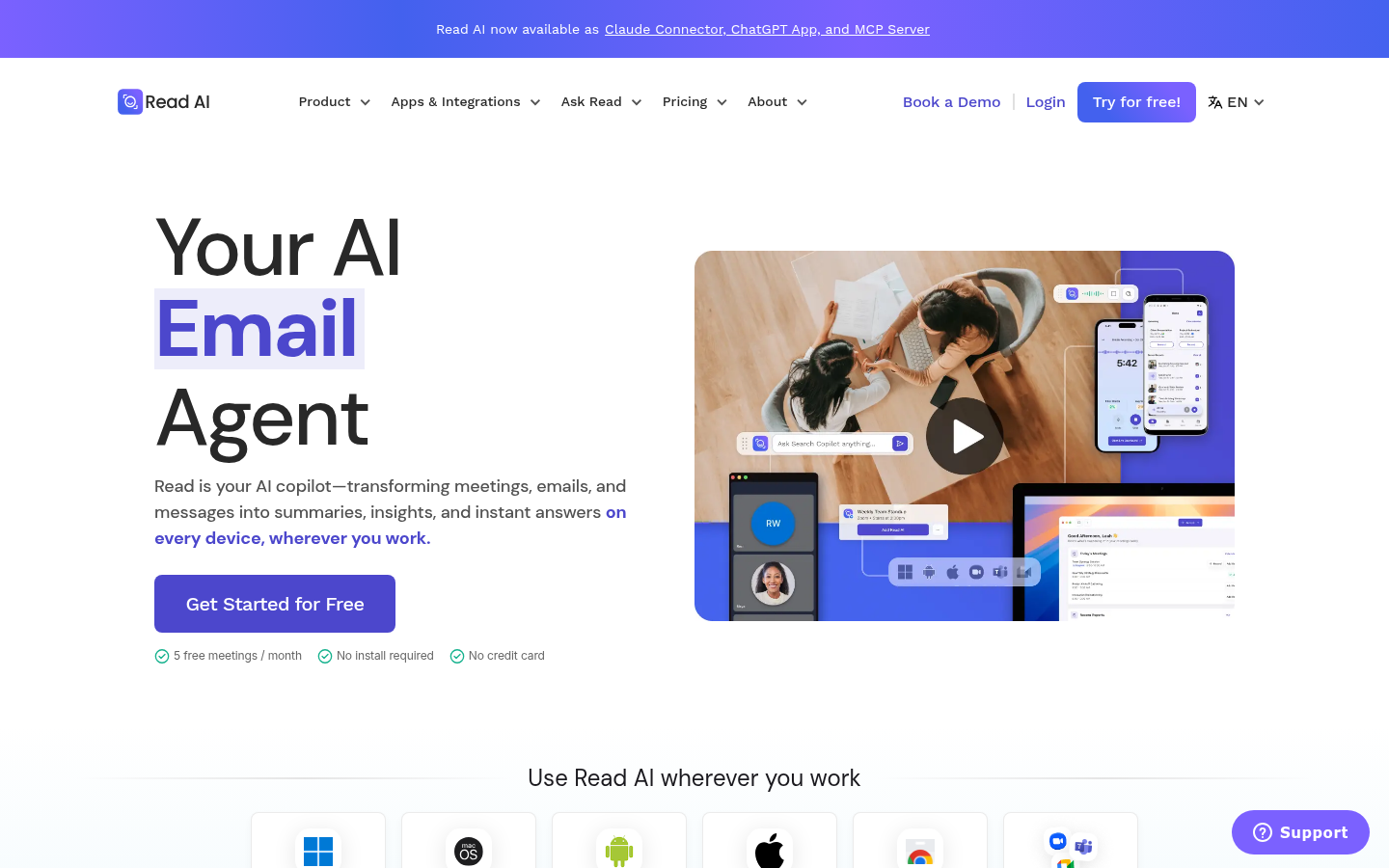
Read AI
- One assistant covers meetings, Gmail/Outlook inbox summaries, and chat search
- Sentiment and participation scoring surfaces who's actually driving the conversation
- The Ada digital-twin agent answers questions across your meeting and email history
- Free tier caps at 5 meetings a month, tighter than Fathom or Fireflies
- Participation scoring can feel invasive in small, informal meetings
Best pick if you want meetings, inbox, and chat searchable from one place.
Verdict
TicNote wins this round for one reason: it's the only one of the five that treats a meeting as raw material for a deliverable, not an end point. Fathom is the better default if you just want a free, honest recorder. Otter, Fireflies, and Read AI each win narrower fights, live transcription, sales analytics, and cross-channel search, respectively. Pick based on what happens after the meeting ends, not during it.
How we tested
We compared all five tools on their current public pricing pages, product documentation, and release notes as of August 2026, checked against each vendor's own feature pages and G2/Capterra listings for consistency. Scoring weighted four axes: capture method (bot versus bot-free), how far the output goes past a raw transcript, whether the free tier is usable for actual weekly work or just a trial, and language coverage for transcription. We did not run all five through the same live meeting; pricing and feature claims were cross-checked against vendor documentation rather than independently benchmarked end to end.
We tested five candidates for best AI meeting assistant in 2026: TicNote, Fathom, Otter.ai, Fireflies.ai, and Read AI. TicNote turns a meeting into files you can actually use: a report, a deck, a set of action items with sources attached. Otter and Fireflies turn a meeting into a transcript and a short summary. Fathom gives you that for free, with no cap. Read AI adds your inbox and chat to the mix. If your work already runs on audio, one of these five closes the loop between what got said and what gets done. Our pick for 2026: TicNote, for the deliverable it produces, not just the record of the conversation.
The other half of your audio day
QUEUE: 3 articles, 1 podcast episode, 47 minutes of commute. That's the heartheweb side of your day, the one where audio comes to you. But somewhere between 9 and 5, you're also on the other side of the microphone: in meetings, half-typing notes, missing the one sentence that mattered because you were formatting a bullet point instead of listening.
An AI meeting assistant does for spoken conversation roughly what heartheweb does for written articles, in reverse. It listens to something live and turns it into text you can act on later. Same modality shift, opposite direction. We don't build that tool. We use several of them weekly, and this is what months of comparing pricing pages, release notes, and actual meeting workflows turned up.
None of the five apps below will read your reading queue back to you. That's not their job. What they share with heartheweb is the underlying bet: that audio, not text, is where a lot of real information now lives, and that turning it into something searchable and shareable matters more than ever.
What actually separates five tools that all claim to do the same thing
On paper, every AI meeting assistant "records, transcribes, and summarizes." In practice, four things change a knowledge worker's week: whether the assistant has to join your call as a visible participant, how far the output goes past a raw transcript, what the free tier actually lets you do before the upsell hits, and how many languages hold up under real transcription load, not a marketing page.
We scored all five on those four axes, sourced from each vendor's current pricing page and documentation as of August 2026. The table below is the at-a-glance version; the writeups after it cover what the numbers don't.
TicNote: the one that hands you a finished file, not a transcript
TicNote's pitch is specific: it doesn't just summarize a meeting, it turns your sources, meetings, PDFs, YouTube videos dropped into the same project, into files you'd otherwise build by hand. Feed it a brainstorming call and five reference videos, and Shadow Agent can produce a four-week content calendar, a comparison dashboard, and an eight-slide deck in the time it takes to make coffee. Every claim in the output links back to the exact moment in the source recording, which matters when someone in the next meeting asks "wait, who said that."
Capture happens through a Chrome extension rather than a bot joining your Zoom or Meet call, which keeps things discreet in smaller or client-facing meetings. Transcription covers 120 languages. The free tier caps at 300 minutes a month, tight if you're in back-to-back calls most days, and Shadow Agent's best output depends on a specific prompt: a vague ask like "summarize this" gets a generic result, the same way a vague prompt gets you a generic answer from any model.
Fathom: the free tier that doesn't expire
Fathom's entire differentiator is that its free plan isn't a trial. No meeting cap, no seat limit, no expiring history, which is unusual in a category built almost entirely around free-to-paid funnels. It joins Zoom, Meet, and Teams and produces a searchable transcript and instant summary the moment a call ends, with a bot-free capture option now in beta on Mac.
Ask Fathom lets you query a single call in plain language; on paid plans, that extends to your entire meeting history. The catch is that the features most useful to sales teams, AI Scorecards and automatic CRM field sync, sit behind the $25-34/month Business tier. If you just need a free, honest recorder for personal or small-team use, Fathom is the strongest option here without qualification.
Otter.ai: still the fastest live transcript in the room
Otter has been in this category longer than most, and it shows in the parts that matter during the call itself: live transcription and captioning appear in real time inside Zoom, Meet, and Teams, with speaker identification and word-synced playback that's genuinely mature. Mobile apps carry widgets and Siri shortcuts, which is more than most competitors bother with.
Where Otter shows its age is past the transcript. The free tier caps individual meetings at 30 minutes, short for most real work meetings, and even the $19.99-30/month Business tier limits AI Chat queries to 200 per user per month. If what you need is the most accurate live transcript with the least fuss, Otter still does that job well. If you need the meeting turned into something else, a report, a CRM update, it has less to offer than the other four.
Fireflies.ai: built for the sales call, not just the standup
Fireflies reads like a tool built for RevOps from the ground up. Beyond transcription, it tracks talk-time ratio, sentiment, and topic frequency, then pushes that straight into Salesforce or HubSpot through integrations deeper than anything else on this list. At 60+ supported languages, it also leads the group on transcription coverage outside English.
The tradeoff is a bot that visibly joins every call, which can feel intrusive in smaller or informal meetings, and an AI summary credit system on paid tiers that limits how many AI-generated summaries you can actually produce in a month, separate from the recording limits. For a sales or customer-success team living inside a CRM, none of that outweighs the analytics. For a two-person weekly sync, it's more tool than you need.
Read AI: your meetings, email, and chat in one search bar
Read AI's bet is scope: instead of just meetings, it summarizes your Gmail or Outlook inbox and Slack conversations under the same assistant, with a digital-twin agent called Ada that can answer questions across all three. Sentiment and participation scoring during live meetings shows who's actually driving the conversation, a feature that's shown up in coverage from Fortune and TechCrunch as much for its usefulness as its novelty.
That breadth comes with a narrower free tier, five meetings a month, and a setup that takes longer than a single-purpose notetaker because you're connecting inbox and chat, not just a calendar. Participation scoring can also read as invasive in small, informal teams that don't want a scorecard on how much each person talked. For a team that already wants search across meetings, email, and chat in one place, Read AI is the only one of the five built for that from the start.
Three cases where none of these five is what you actually need
If you're recording a personal one-on-one conversation for your own reference, not a scheduled work meeting, a plain voice memo app does the job without an account, a CRM sync you don't need, or a bot on the call.
If what you're actually trying to process is a stack of PDFs or research papers rather than spoken meetings, none of these five is built for that; look for a document-summarization tool instead.
And if you're deaf or hard of hearing and need captions inside the call itself, not a summary delivered after it ends, the platform's own live captions (Zoom, Google Meet, Teams all ship this natively now) solve a different problem than any AI meeting assistant does. These five are built to summarize what happened after the fact, not to make the live conversation accessible in real time.
What happens after the meeting ends
Here's the honest crossover with what heartheweb actually does. None of these five tools read a meeting summary back to you, and we're not going to pretend otherwise. But the text they generate, a Fathom recap, an Otter transcript, a TicNote report, is exactly the kind of written content heartheweb was built to convert into audio. Export the summary, drop it into your reading queue, and you can listen to what your own meeting decided on the way home instead of rereading it at your desk the next morning. That's not a feature of any of these five products. It's just what a private RSS feed and a decent TTS voice are for.
Before your next meeting
Five tools, four real differences. TicNote wins this round because it's the only one that treats a meeting as raw material for something you'd otherwise build by hand, not an end point. Fathom is the better default if you just want a free, honest recorder without a trial clock running. Otter, Fireflies, and Read AI each win narrower fights: live transcription, sales analytics, and cross-channel search, respectively. Pick based on what needs to happen after the call ends, not during it.