Best Note Taking Apps in 2026: 6 Tools Compared and Ranked
Summary
Looking for the best note taking apps in 2026? We compared Obsidian, Notion, OneNote, Apple Notes, Evernote and TicNote on price, storage, capture, AI and read-aloud support. Obsidian wins for readers who want a private, linked archive. Notion leads for shared workspaces, and OneNote or Apple Notes cover free, fast capture.
Six note taking apps ranked on price, storage, capture, AI and read-aloud support, with a clear pick for readers who want to keep what they hear and read.
At-a-glance
| Obsidian | Notion | Microsoft OneNote | Apple Notes | Evernote | TicNote | |
|---|---|---|---|---|---|---|
| Starting price | Free for personal use; Sync from $4/month billed annually | Free plan; Plus $10/user/month billed annually | Free with a Microsoft account; bundled in Microsoft 365 | Free on iPhone, iPad and Mac; iCloud storage optional | Free capped at 50 notes; Starter from $8.25/month billed annually | Free 300 minutes/month; paid plans roughly $15 to $29/month |
| Where notes live | Plain Markdown files on your own device | Notion cloud, block-based pages and databases | Microsoft cloud, notebooks, sections and pages | iCloud, with local copies on each Apple device | Evernote cloud, notebooks and tags | TicNote cloud, project workspaces built on recordings |
| Platforms | Windows, Mac, Linux, iOS, Android (no web app) | Windows, Mac, iOS, Android, web | Windows, Mac, iOS, Android, web | iPhone, iPad, Mac, Apple Vision, Apple Watch, iCloud.com | Windows, Mac, iOS, Android, web | Chrome extension, web app and companion devices |
| Capture and clipping | Web clipper plus plugins; manual by default | Web clipper and email-to-page | Web clipper, ink and typed notes anywhere on the canvas | Share sheet, document scanning and sketching | Best web clipper of the group, OCR search in images and PDFs | Records meetings in 120 languages with no bot in the call |
| Built-in AI | None built in; third-party plugins with your own API key | Notion AI; full AI bundled from the $20/user/month Business tier | Copilot features tied to a paid Microsoft 365 plan | Apple's on-device summaries and writing tools | AI Assistant and semantic search on paid tiers | Shadow Agent turns recordings into slides, reports and dashboards |
| Reading aloud (hear.the.web angle) | Relies on OS text-to-speech or plugins | No native read-aloud; browser or OS speech works | Immersive Reader reads pages aloud on Windows and the web | Spoken Content and VoiceOver read any note | No native read-aloud; OS speech only | Transcripts from audio rather than audio from text |
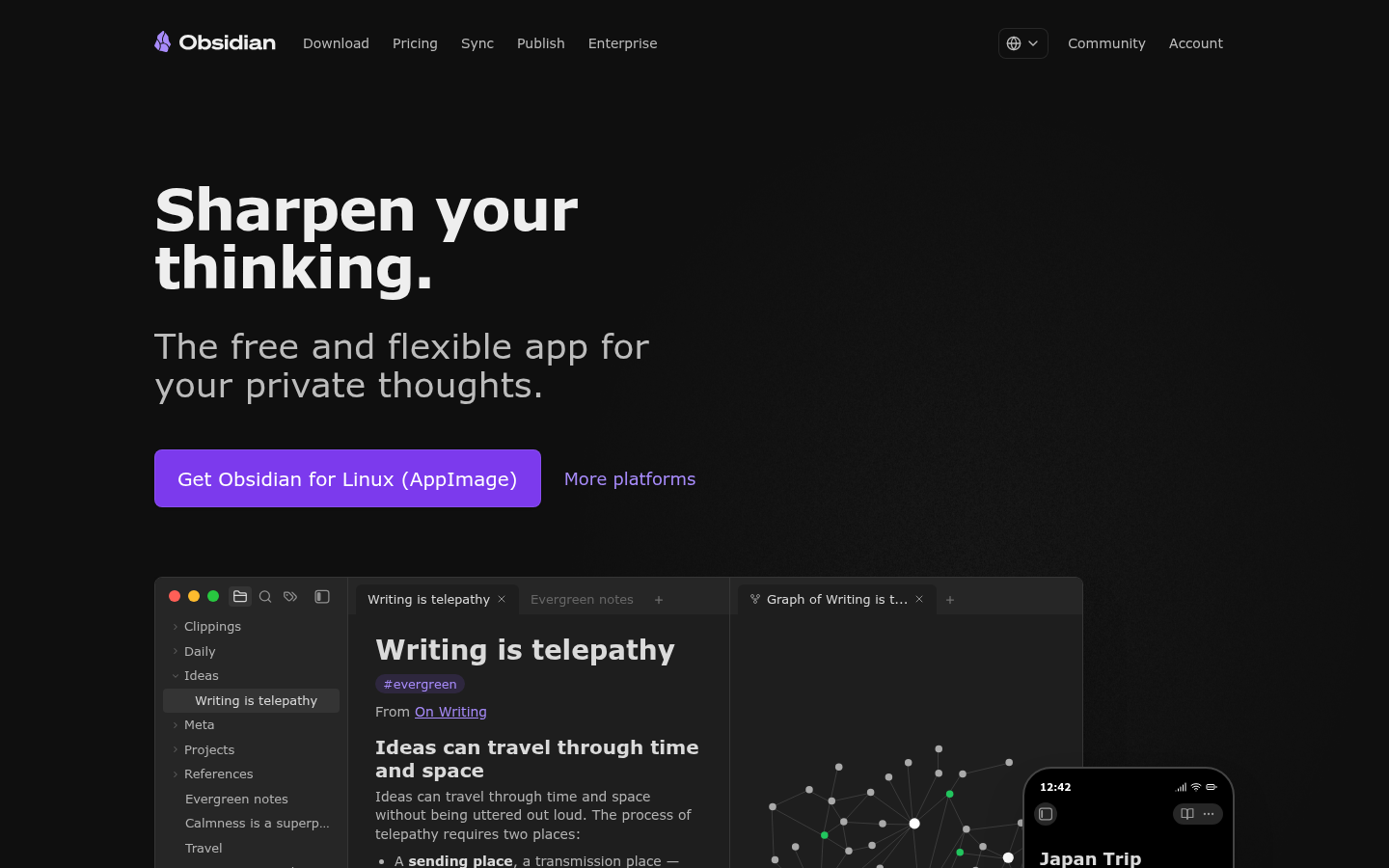
Obsidian
- Notes are plain Markdown files, so nothing is locked inside a vendor
- Free for personal use with no note or device limits
- Backlinks and graph view surface notes you forgot you wrote
- Large plugin library covers Readwise imports, kanban boards and AI
- Steeper learning curve than any other app on this list
- No built-in AI and no web app, so setup takes real time
- Mobile app is less polished than the desktop one
Best long-term home for highlights and reading notes, if you accept the setup cost.
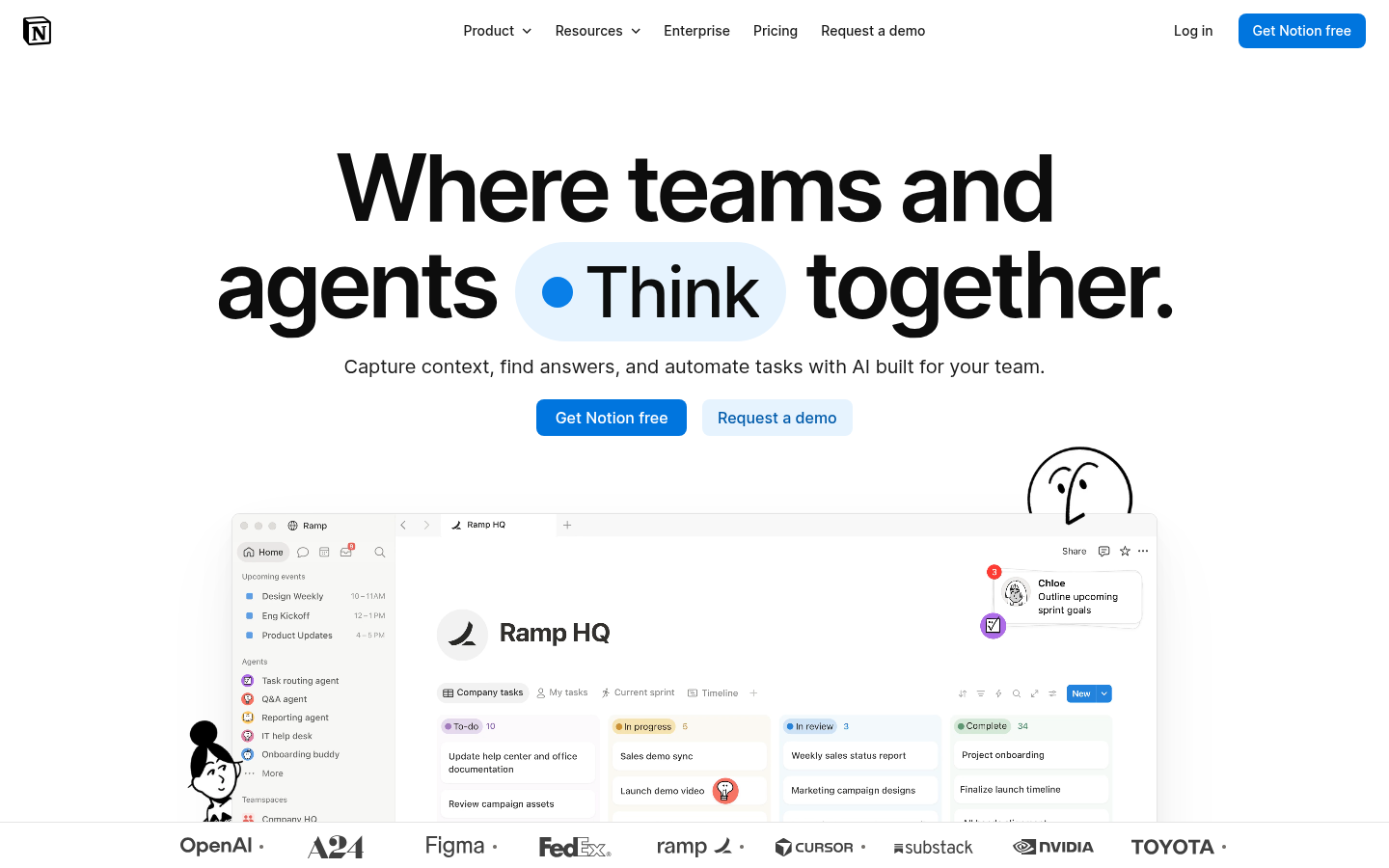
Notion
- Docs, tasks and databases live in one workspace
- Strong sharing and permissions for teams
- Generous free plan for personal use
- Templates for reading lists and trackers are easy to find
- Can feel slow for jotting a quick thought
- Offline support is more limited than file-based apps
- Full AI access sits on the $20/user/month Business tier
Best when notes need to become a shared system, less so for pure capture.
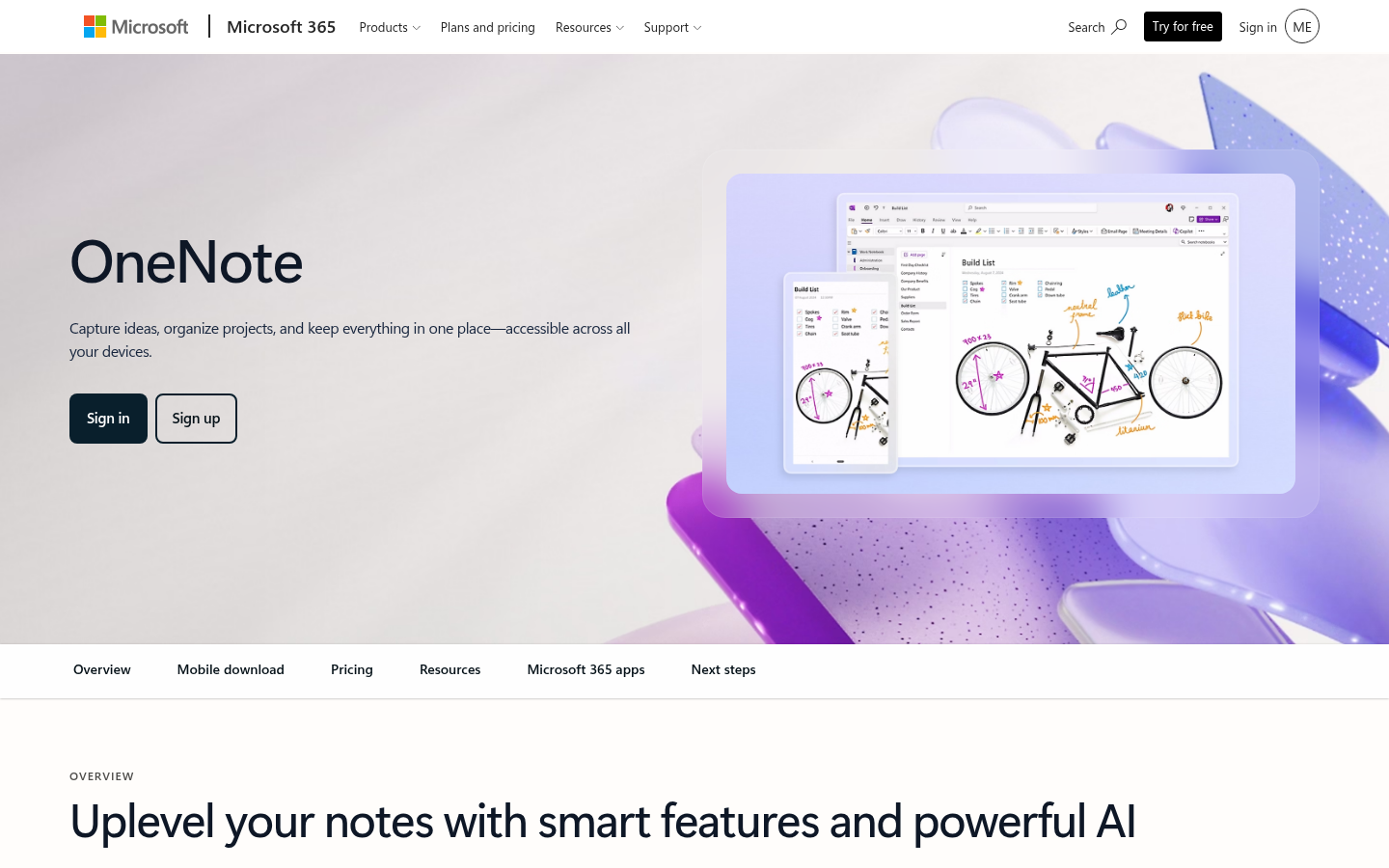
Microsoft OneNote
- Free with a Microsoft account on every major platform
- Notebook, section and page layout feels like a paper binder
- Ink and typed notes can sit anywhere on the canvas
- Immersive Reader can read pages aloud
- Interface can feel cluttered compared with lighter apps
- Formatting does not always hold across devices
- Better at capturing than connecting ideas
The strongest free option when you already live inside Microsoft 365.
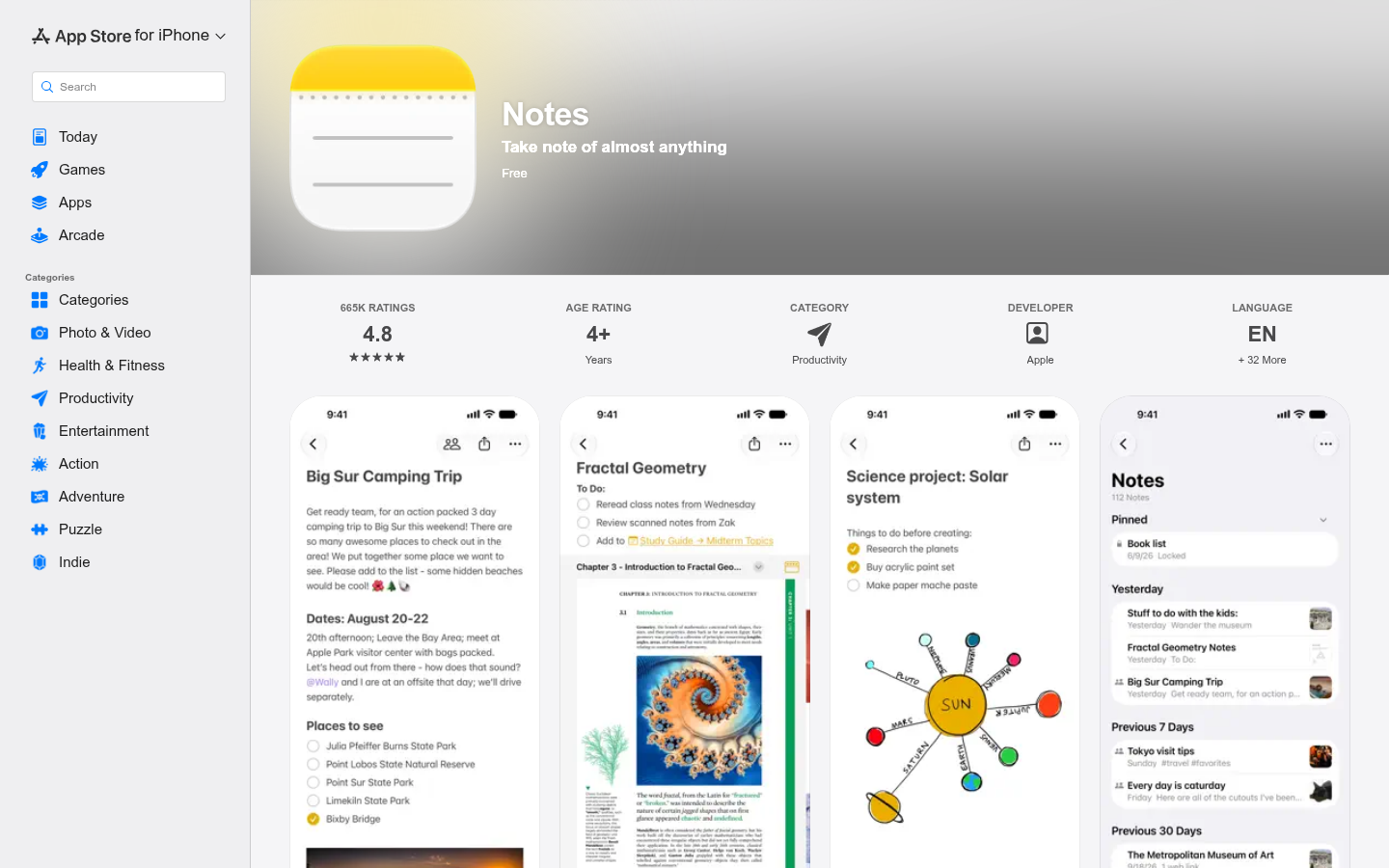
Apple Notes
- Free and already installed on every Apple device
- Rated 4.8 from about 665,000 App Store ratings
- Scans documents, sketches and shares notes with others
- VoiceOver and Spoken Content read notes aloud
- Apple-only, with iCloud.com as the lone outside route
- Folders and tags are shallow for large archives
- No real linking between notes beyond simple links
Hard to beat for quick capture, limited once the archive grows.
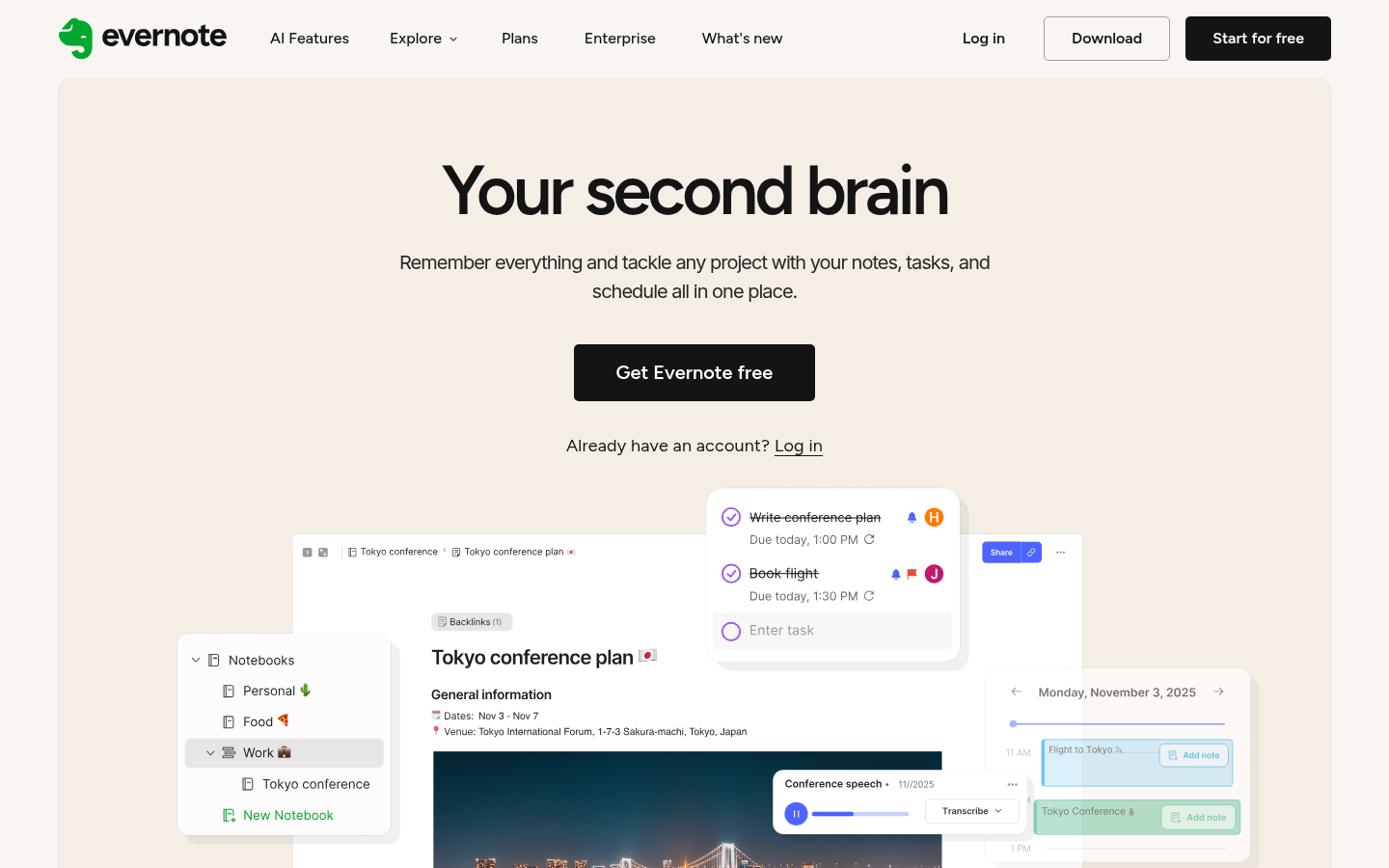
Evernote
- Web clipper and OCR search are still best in class
- Mature notebooks and tags with fast search
- Tasks, calendar and offline access in one app
- Free plan is capped at 50 notes, 1 notebook and 1 device
- Paid pricing climbed after the Bending Spoons takeover
- AI works per note rather than across your whole library
Worth it only if clipping is your main workflow and the archive already lives there.
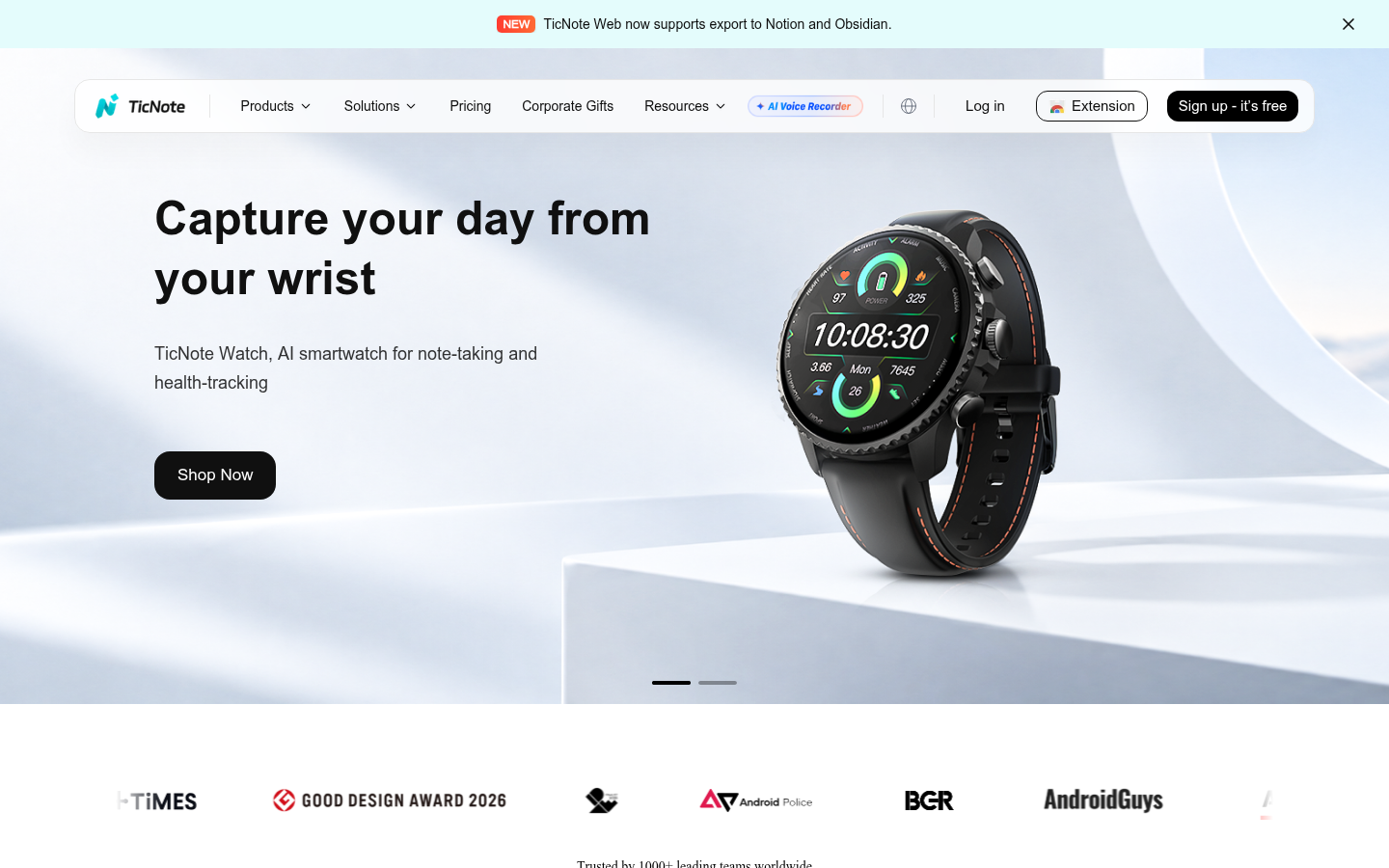
TicNote
- Free tier covers 300 minutes of transcription a month
- Chrome extension records Meet, Teams and Zoom without a bot
- Sources stay clickable, so claims link back to the exact moment
- Shadow Agent exports real files such as slides and dashboards
- Built for meetings, not for everyday written notes
- Heavy users hit the free ceiling quickly
- Best output needs careful prompting; generic requests give generic files
A capture tool for spoken input, a poor fit if you mostly type.
Verdict
Among the best note taking apps, Obsidian wins for readers who want to keep what they read: plain Markdown files, free for personal use, and backlinks that surface old highlights. Notion is the better pick for shared workspaces. OneNote and Apple Notes win on free, fast capture. Evernote now suits clippers with existing archives, and TicNote fits spoken input, not typed notes.
How we tested
We compared six apps on seven public facts: price tiers, platforms, where notes are stored, capture tools, built-in AI, read-aloud support and the limits each vendor documents. Prices come from vendor pricing pages and recent third-party roundups, checked in November 2026, and they change often. Scores run from 0 to 5 and are editorial judgments weighted toward long-term archives and capture speed, informed by aggregated public reviews. We did not run a lab benchmark for each app. TicNote carries an affiliate link; it is ranked last for general note taking on purpose.
Verdict: Among the best note taking apps, Obsidian wins for readers who want to keep what they read: plain Markdown files, free for personal use, and backlinks that surface old highlights. Notion is the better pick for shared workspaces. OneNote and Apple Notes win on free, fast capture. Evernote now suits clippers with existing archives, and TicNote fits spoken input, not typed notes.
NOW PLAYING: a reading list that outgrew its folder. Most people searching for the best note taking apps are really asking where their highlights, clippings and half-finished thoughts should live. This comparison ranks six apps on that question, and it keeps the answer honest about price, limits and trade-offs.
What do you need a note app to do?
Two jobs hide inside one search. Capture-first apps get a thought out of your head before it fades: Apple Notes, Evernote and OneNote. Connection-first apps help you find that thought three years later: Obsidian and Notion. Pick the job first, then the app.
For anyone who reads a lot, the second job matters more. A reading list that you hear on a commute produces notes in bursts, often hands-free, often a day late. The app has to accept a messy dump and still make it findable. That is the filter behind the ranking below.
Why Obsidian ranks first for readers
Obsidian stores every note as a plain Markdown file in a folder you own. The app is free for personal use, and Sync costs $4 a month billed annually. If the company vanished tomorrow, your archive would still open in any text editor. That is a rare guarantee in this category.
The payoff is retrieval. Type [[ and you link to any other note. The backlinks panel then shows every note that points back, which is how a highlight from 2024 resurfaces next to a new article. Plugins add Readwise imports, kanban boards and AI chat through your own API key.
The cost is setup. Zapier calls the learning curve serious, and it is. There is no web app, no built-in AI and no native collaboration. Plan one weekend to configure folders and templates, then expect the system to pay you back for years.
Where Notion beats everything else
Notion is the answer when notes need to become a system other people touch. Pages nest inside pages, databases filter notes like a light spreadsheet, and sharing works the way teams expect. The free plan covers personal use. Plus is $10 per user per month billed annually.
Two limits show up fast. Quick capture feels heavy because every page is a small project. And the full AI bundle sits on the $20 per user per month Business tier, which moved Notion from a cheap AI option to a premium one.
Free capture: OneNote and Apple Notes
OneNote is free with a Microsoft account and runs on Windows, Mac, iOS, Android and the web. Its notebook, section and page layout copies a paper binder, and you can type or ink anywhere on the canvas. Immersive Reader can read a page aloud, which matters if screens are not always an option.
Apple Notes is the other free answer, with a 4.8 rating across about 665,000 App Store ratings. It scans documents, sketches, shares notes and syncs through iCloud. The ceiling is the archive: folders and tags are shallow, and the app only truly works inside the Apple ecosystem.
Between the two, choose by device. Mixed Windows and Mac households lean OneNote. All-Apple households rarely need anything else for the first year.
Evernote and TicNote: narrower bets
Evernote kept the best web clipper in the category and OCR search inside images and PDFs. The trouble is everything around it. The free plan stops at 50 notes, one notebook and one device. Starter starts at $8.25 a month billed annually and runs higher billed monthly, which is steep next to free tools that cover most of the same ground.
TicNote is a different animal: an AI workspace built on recordings. Its Chrome extension captures meetings in Google Meet, Teams and Zoom without inviting a bot, and the free tier gives you 300 minutes of transcription a month. Its Shadow Agent turns sources into slides and reports. We ranked it last for everyday note taking because it is built for spoken input, and we say so plainly even though it carries an affiliate link.
If your real problem is the pile of unread articles before the notes, a reading tool belongs upstream of any app here. Readwise Reader feeds highlights into Obsidian and Notion cleanly.
For the listening side, Speechify turns a saved article into audio you can absorb on a walk. It pairs with any of the six apps above, because the note comes after the listening.
Notes and audio: what to check before you commit
Read-aloud support varies more than the marketing suggests. Apple Notes works with VoiceOver and Spoken Content. OneNote offers Immersive Reader. Obsidian, Notion and Evernote lean on your operating system's speech tools. For low vision or hands-free use, test that path with a real 2,000-word note before you migrate.
Export is the other check. Obsidian wins outright because the files are already portable. Evernote and Notion export, but databases and notebooks lose structure on the way out. Ask what a clean exit looks like before you build a 2,000-note archive.
What to pick before your next commute
Match the tool to the job. Choose Obsidian for a private archive of what you read. Choose Notion when the notes are shared work. Choose OneNote or Apple Notes when speed and price rule. Keep Evernote only for clipping, and add TicNote only if meetings are the main source of notes.
READY TO TRANSMIT: pick one app, move one week of notes into it, and judge it on how fast you find a specific highlight on day eight.