How to Take Notes in a Meeting: A Commuter's Method
Summary
To take notes in a meeting, prepare a page with one header per agenda item, then write decisions, owners and deadlines instead of sentences. Park open questions in a separate list, read the actions aloud before the call ends, and clean up within an hour. Record with permission as a backup, and mark two or three timestamps so listening back takes minutes, not the full meeting.
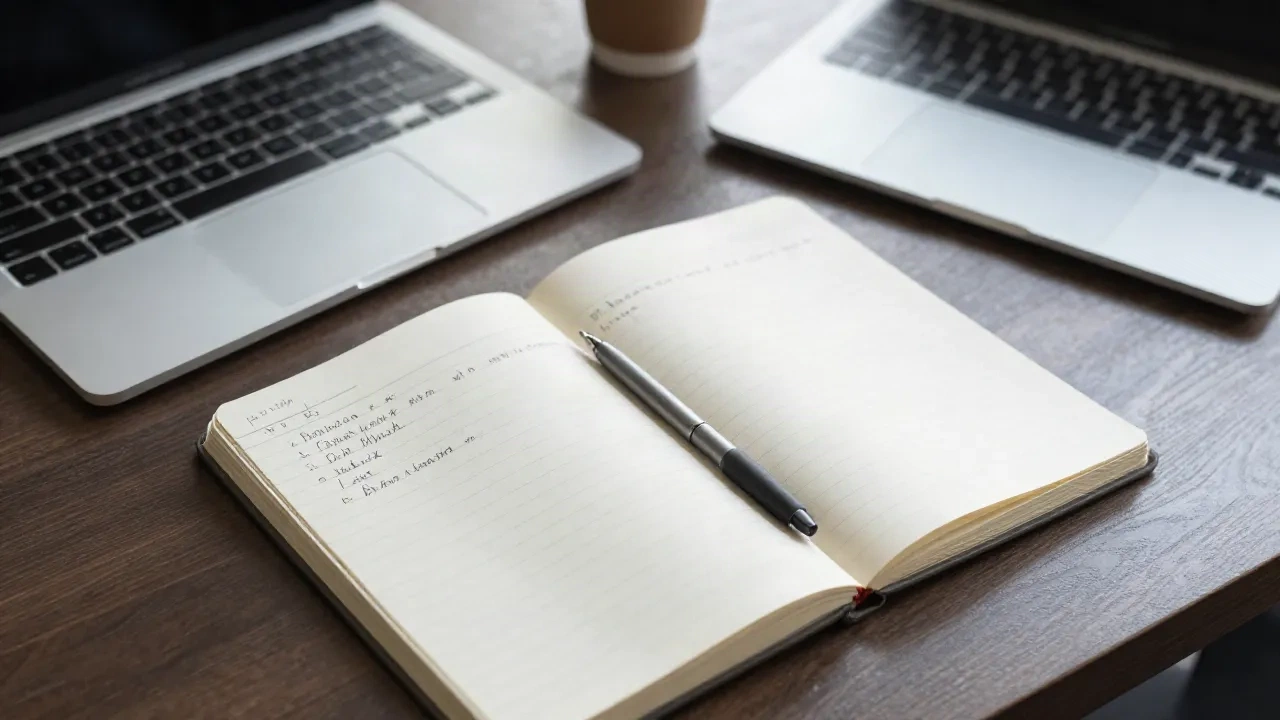
The short answer on how to take notes in a meeting: write down decisions, owners and deadlines, not sentences. Set up a page before the meeting starts, with one blank header per agenda item. Capture in your own words, park open questions in a separate list, and clean the page within an hour. If you need a safety net, record the audio with permission and listen back at 1.5x. That is the whole method. The rest of this guide is the detail, and the places it breaks.
=== NOW PLAYING: a 45-minute status meeting ===
I have sat in roughly 2,000 meetings since 2014. For the first ten years, my notes were a transcript with bad handwriting. I wrote everything, understood little, and found nothing afterwards. The fix was not a better app. It was a smaller job for my notes.
What is a meeting note actually for?
A meeting note has one job: to let someone who was not in the room, including you in three weeks, act on what happened. That is a narrower job than "record the meeting". It means your notes need four things and can drop almost everything else.
Decisions. What was agreed, in one line each.
Actions. Who does what, by when.
Open questions. What nobody could answer.
Context you would forget. A number, a name, a reason someone objected.
Everything else is signal you can recover from the invite or the slide deck. If a line in your notes does not fit one of those four buckets, it is probably noise. Delete it while you still remember why it was there.
How should you set up the page before the meeting starts?
Five minutes of setup saves forty minutes of reconstruction. Before you join, open a fresh page and write the date, the attendees and a one-line objective. Then add one blank header for each agenda item. If there is no agenda, ask for one. If there is still none, write your own three guesses and correct them in the first ten minutes.
The structure is the point. When the discussion jumps from budget to hiring and back to budget, you are not hunting for where to write. You drop the line under the right header and move on.
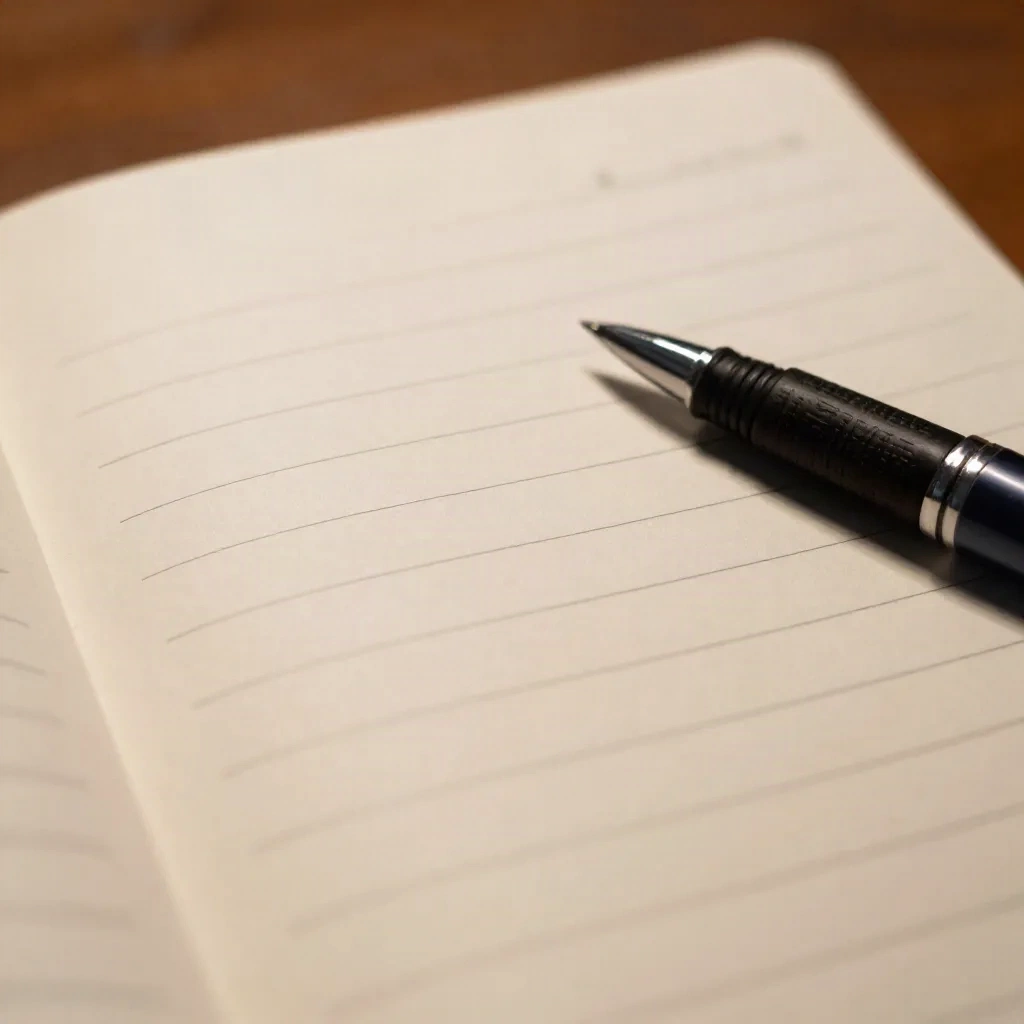
A template that has held up for me:
Date, attendees, objective.
One header per agenda item, with room under each.
A "parking lot" block for questions that do not belong yet.
An "actions" block at the bottom, written during the last five minutes.
Pick one template and keep it. Spinach makes the same case: the same layout every time means readers know where to look, including you.
What do you write down, and what do you skip?
Write the conclusion, not the conversation. When someone spends four minutes explaining why the vendor is late, the note is "Vendor delayed to Nov 14, cause: customs." One line. If the cause matters later, you have the keyword to jump back to.
Rules I use, in order of how often they save me:
Write verbs. "Decide pricing" is a topic. "Pricing: $29 flat, no tiers" is a decision.
Use your own words. Copying phrases means you are transcribing, which means you are not listening.
Mark actions as you hear them. A symbol in the margin, a checkbox, whatever. Do not wait for the end.
Name the owner out loud. If nobody takes an action, say "who has that?" before the topic closes. A note with no owner is a wish.
Skip the jokes, the greetings and the tangents. Unless the tangent changes the decision.
One more skip that most guides do not give you: skip capturing slide content. The deck exists. Write what the speaker said that was not on the slide.
The action item test
A line passes only if it has a verb, an owner and a date. "Follow up on the budget" fails. "Maya sends revised budget to finance by Thursday" passes. Spinach puts it the same way: a named owner, a specific deliverable, a clear deadline. I read my actions aloud in the last two minutes of the meeting. It takes 40 seconds and catches about one missing owner per meeting.
Should you type or write by hand?
Both work. They fail differently.
Typing is faster, searchable and shareable. It also tempts you to transcribe, because your fingers can keep up with speech. Handwriting is slower, so it forces you to compress. You decide what matters because you have to. The cost is that you have to type it up afterwards, and your handwriting will not survive the week.
My rule: handwrite when you are the only decision maker in a small meeting and the notes are for you. Type when other people will read the notes, or when the meeting has more than six people and the fast pace punishes anyone writing longhand.
If you type, turn off autocorrect-heavy tools that reformat your bullets. Nothing breaks flow like a bullet list that renumbers itself mid-sentence.
Where does the Cornell method fit?
The Cornell method splits the page into a narrow cue column on the left, a wide notes column on the right, and a summary block at the bottom. It was built for lectures. In a meeting it is useful in one specific way: the summary block.
Take the notes as usual in the wide column. In the narrow column, write a keyword or question for each chunk. At the end, write the summary in two or three sentences. That summary is what you paste into the follow-up message.
Skip the full method if the meeting is under 20 minutes. The overhead outweighs the gain. Worth the splurge if you run weekly project reviews where context accumulates and the summary becomes the project log.
Can you record the meeting instead?
Yes, with permission, and it is a good safety net. It is not a replacement for notes. A recording is a 45-minute file. Notes are a 90-second read. You will not re-listen to 45 minutes. I have tried, often, and I mostly lie to myself about it.
Where recording earns its place:
You missed a number, a name or a commitment and need the exact words.
The meeting is a disagreement and you need to know who said what.
You cannot look at a screen for an hour. Low vision, a long commute, hands busy. Audio is the format that works, and a transcript read aloud gets you the same content in your ears.
How I use it: record, take thin notes anyway, and mark timestamps for the two or three moments I want to hear again. At 1.5x, a 45-minute meeting has 30 minutes of audio. Jumping to three marked moments takes 4 minutes. That is the version of "listen back" that actually happens.
Always ask first. In many places, recording without consent is illegal, and it is bad manners everywhere. A one-line "OK if I record for notes?" at the start settles it.
Which AI note-takers are worth trying?
AI note-takers join the call, transcribe it and produce a summary with action items. They have improved a lot. They also have a habit of producing confident summaries with one subtle error, so you still read the output.
My honest take, tool by tool:
Otter is the one most people try first. It transcribes live inside Zoom, Meet and Teams and labels speakers. The free tier gives 300 minutes a month and caps each meeting at 30 minutes, so a long review will cut off. Treat the summaries as a draft.
Granola takes a different approach: no bot joins the call. It transcribes your computer audio while you type your own rough notes, then merges the two after the meeting. That keeps you listening, which is the reason to take notes at all. It is desktop-first, so it fits poorly if your meetings happen on a phone.
Fathom records, transcribes and summarizes, and lets you clip moments, which maps onto the "mark the two moments" habit above. Its free plan covers recordings and summaries for individuals, which makes it the cheapest way to test the idea.
TicNote is an AI meeting recorder that turns recordings into exportable files, not just summaries. Its free tier gives 300 transcription minutes a month. Worth a look if you want the output filed as a document rather than left in a feed.
Skip all of them if the meeting is sensitive and you do not know where the audio is stored. Read the data policy before you invite a bot into a legal or HR conversation. And check the price: plans change often, so look at the vendor page rather than a review from last year.
What happens in the first hour after the meeting?
This is where notes turn into work. Within an hour, while the room is still in your head:
Read your notes once and fix anything you cannot parse.
Pull out the actions and send them to the owners, in writing.
Write the three-line summary at the top: what was decided, what is open, what happens next.
File the page where you will find it. One folder, one naming pattern, such as
2026-10-22 pricing review.

If you keep a notes system such as Notion or Obsidian, link the meeting page to the project page, not to a generic inbox. A note that lives in an inbox is a note you will not read again.
Notion is fine for shared meeting logs because everyone can edit and comment. The tradeoff is that a shared page invites tidying by people who were not there. Keep your raw page, and publish a cleaned copy.
Send the summary within 24 hours. Most of the value of notes is the nudge they give other people.
Three cases where this method breaks
Be honest about the limits.
Brainstorms. Structure kills them. Capture ideas as a flat list, then sort afterwards.
Fast, large meetings. If 12 people are talking, you will not get owners right in real time. Take the action list from the chat or ask the organizer.
Meetings where you are the presenter. You cannot present and write. Ask a colleague to take notes, or record and write the summary within the hour while it is fresh.
Before your next meeting
Here is the short run sheet. QUEUE: 5 items.
Open a page with date, attendees, objective.
One header per agenda item, plus a parking lot and an actions block.
Write decisions and owners, not sentences.
Read the actions aloud in the last two minutes.
Clean and send within an hour, 24 hours at the latest.
Do that for two weeks and compare. Count how many times you went looking for something and found it. For me, it went from roughly one in three to nearly every time. That is signal, not noise.
the hear.the.web team, cambridge, ma