Text to speech for dyslexia: what the research supports
Summary
Text to speech for dyslexia is supported by several small studies: a 2023 Annals of Dyslexia paper found students with dyslexia gained the most from listening, and a 2021 study found better comprehension and less mind wandering. No study ranks specific apps. Choose by job: word highlighting (Voice Dream Reader, NaturalReader) for study, an audio queue for commutes. Start at 1.0x speed and test on a document you know.
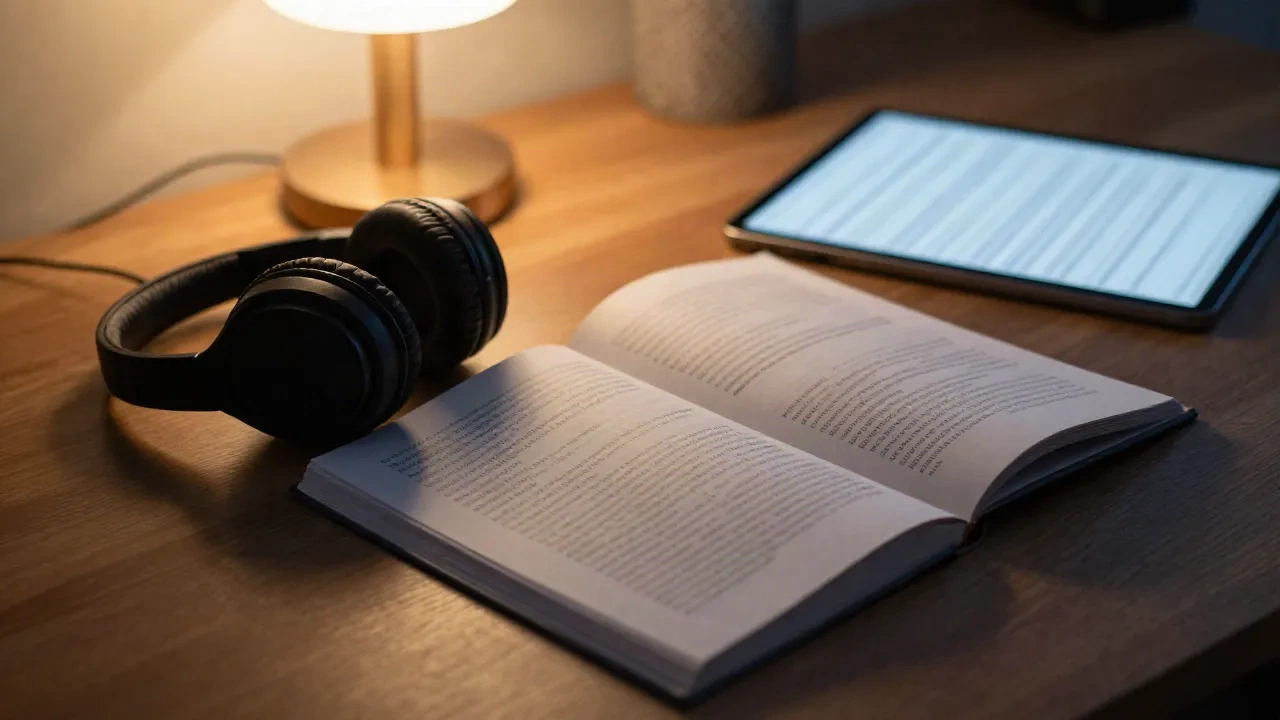
Text to speech for dyslexia works, and the evidence is better than most vendor pages let on. A 2023 study in Annals of Dyslexia found that students with dyslexia gained the most comprehension from listening, whether they heard the text alone or heard it while following along. What the research does not give you is a winner among apps. So the real decision is about format: do you need synchronized highlighting, or do you need a clean audio queue?
=== NOW PLAYING: the honest version ===
I write about assistive audio for a living, and the same pattern repeats. Someone with dyslexia asks which app is best. Someone else answers with a ranking built on voice quality. Voice quality is the least interesting variable here. What separates a tool that gets used from one that gets abandoned is the shape of your reading day, and that is where this guide starts.
What does the research actually say about text to speech for dyslexia?
Three findings are solid enough to plan around, and one is a gap.
First, listening helps comprehension. The 2023 study mentioned above, published in Annals of Dyslexia, compared children with dyslexia only against children with broader reading and language difficulties. The dyslexia-only group scored higher in every reading condition and benefited most from text-to-speech and listen-only modes.
Second, attention improves. A 2021 study by Bonifacci and colleagues in the Journal of Computer Assisted Learning reported better comprehension and lower mind wandering under text-to-speech for both dyslexic and typical readers. Reading aloud to you keeps the eyes and the mind on the same sentence.
Third, voice realism may matter less than assumed. A Greek study from 2019 found no significant comprehension difference between synthetic and natural speech for dyslexic students. A calm, steady voice that you can slow down is enough.
The gap: nobody has run a controlled comparison of Speechify against NaturalReader against anything else. Every "best app" ranking you see is an editorial opinion, including this one. Treat it that way.
Why dyslexia changes the tool you pick
Dyslexia is a difficulty with decoding written words, not with understanding language. Reading Rockets, summarizing International Dyslexia Association material, notes that as many as 15 to 20 percent of people show some symptoms, such as slow or inaccurate reading and poor spelling. That figure covers symptoms, not diagnoses, so do not quote it as a diagnosis rate. It does tell you the audience is large and mostly unlabeled.
Decoding is the bottleneck, so removing it frees the comprehension machinery. That is the case for audio. But there is a second case, and it is the one that most guides skip: following the text while it is read. Many readers with dyslexia want the words in front of them, lit one at a time, because it trains the link between sound and spelling. Audio-only tools cannot do that. Reading apps with highlighting can.
So you are choosing between two jobs.
Access to content you cannot decode fast enough: a long article, a PDF from work, a report due on Friday. You want speed control and a reliable queue.
Support while you practice reading: school texts, study material, anything where seeing the word while hearing it is the point. You want word-level highlighting.
Some people need both on different days. Most apps do one well.
Which reading apps give you synchronized highlighting?
If you need to see and hear the text together, start with the tools built around a document view.
NaturalReader is the long-running option for web pages, PDFs and Word files. It offers word and sentence highlighting, a reflowable PDF view, OCR for photographed pages, and browser integration with Google Docs and Gmail. The free tier covers unlimited basic voices, with premium voices capped at roughly 20 minutes a day. Paid personal plans start at $13.90 a month or $79 a year for Lite, and $119 a year for Plus.
Voice Dream Reader began as an accessibility-first tool for blind and low-vision readers and still has the deepest VoiceOver integration in the category. It is Apple-only. It handles PDF, EPUB, DAISY, Word and plain text, highlights words and lines, and lets you set speech from 50 to 500 words per minute. Cost is about $79.99 a year on iPhone and iPad after a 7-day trial. If your devices are Apple, this is the first one to test.
Skip it if you work across Windows and Android. The platform lock is real.
When is a plain audio queue the better choice?
Highlighting is useful until you want to stop looking at a screen. On a commute, in a kitchen, or on a day when text on a glowing display is the problem, the document view works against you. That is the second job: turn the pile of unread links into something you can absorb while your hands and eyes are elsewhere.
Speechify sits in the middle. It started as a consumer reading-aloud app with more than 55 million users, handles PDFs and articles, and its free tier gives you 10 voices at 1x to 1.5x speed. Premium is $29 a month or $139 a year, with 200+ voices and speeds up to 4.5x. Most people with dyslexia do not need 4.5x. Test at 1.0x to 1.25x first. Fast playback adds a second decoding task.
Readwise Reader treats audio as a layer on top of a close-reading app. Playback starts from the paragraph centered on your screen, which suits readers who toggle between seeing and hearing. Its voices come from Unreal Speech, and it pairs listening with highlights you can resurface later. It makes sense if you already live in Readwise. It is not a cheap way to get TTS alone.
Then there is the format we build at hear.the.web: your saved articles turned into MP3 episodes and a private RSS feed you subscribe to in any podcast client. QUEUE: 3 articles, a 22-minute commute, no screen. That is a strength for a long train ride and a weakness for study, because the audio does not light up the words. If you need both, pair an audio queue with a highlighting reader rather than hoping one tool does everything.
Three settings that matter more than the app
Every tool above lets you adjust these. Most people never touch them.
Speed. Start slower than feels necessary. A typical narration speed sits near 150 words per minute, and Voice Dream Reader's range starts at 50, which tells you how wide the useful band is. Raise the rate in 10 percent steps over two weeks.
Voice. Pick one voice and stay with it for a month. Switching voices resets your ear. Choose a narrator that handles proper nouns without stumbling, because a mispronounced name on every second line is the signal-to-noise problem that makes people quit.
Text source. Clean text gives clean audio. Articles with ads, pop-ups, and embedded tables often read badly. Save the article through a reader view first. PDFs from scanners are the worst offenders, and OCR errors become spoken errors.
Three cases where text to speech will let you down
Honest limits, because no one else lists them.
Code, math, and dense tables. Synthetic voices read symbols badly. You will lose the structure that a visual layout carries.
Short, ambiguous words in low-quality text. Heteronyms such as "read" or "lead" are guessed from context, and long sentences with several clauses trigger more wrong guesses.
Tools that edit what you hear. Some apps summarize or skip sections. For study material you want everything, verbatim.
The fix for all three is the same: check the first two minutes of any new document before committing the next hour to it.
What would we actually set up?
If you are an adult with dyslexia and a heavy work reading load, here is the setup I would test first, in this order.
Install one highlighting reader. Voice Dream Reader on Apple, NaturalReader elsewhere.
Set the speed to 1.0x and read one document you already know well. If the voice irritates you, change the voice before you change the app.
Add an audio queue for the articles you would otherwise never open. This is where private feeds and MP3 episodes earn their place.
After two weeks, count what you finished. Compare it to your previous fortnight. A number beats a feeling here.
Pocket used to cover step 3 for many readers, and Mozilla shut down its apps and extensions on July 8, 2025. If you were relying on it, move your saved links now.
Before your next commute
Pick the job first, then the tool. Seeing and hearing together for study; audio alone for everything else. Run each tool on a document you have already read, because that is the only test where you can judge the narration without guessing.
If a vendor tells you "studies show" their app improves dyslexic reading, ask which study and which app. The honest answer today is that text to speech helps, and the app comparison has not been done. Your own two-week test is the best data available.