Text to Speech for Studying: What Actually Holds Up
Summary
Text to speech for studying delivers real time value on narrative non-fiction, analytical essays, and review papers. On academic PDFs with citations and footnotes, most apps break in specific and predictable ways. Speed above 1.2x on new material reduces retention. The dual modality approach, reading along while listening, manages attention better than audio alone. Three apps handle academic content reasonably well; two situations call for skipping TTS entirely.
Text to speech for studying is straightforward in theory: pipe your assigned reading through a narrator voice, listen while commuting or running, absorb 40 articles in the time it used to take you to read four. In practice, the gap between what TTS marketing promises and what happens when you load a 60-page textbook PDF into one of these apps is large enough to make most people abandon the experiment by the second week.
I have used audio reading tools since 2014 and switched to audio full-time in 2024 during a project that made screen time difficult for several months. Here is what I found when I applied them to study materials specifically: not news articles or newsletters, where they work well, but the denser, citation-heavy content that students and researchers actually deal with.
Your PDF is where most TTS apps fall apart
The problem is not voice quality. On a 600-word news article, most TTS narrators sound reasonable. Load a chapter from a biochemistry textbook or a 25-page legal case summary and several things break.
Citation debris. The narrator reads every citation bracket aloud. On a sentence like "the mechanism was first described in 1987 [14] and later confirmed [15, 16, 18]" you hear "the mechanism was first described in nineteen eighty seven bracket fourteen bracket and later confirmed bracket fifteen comma sixteen comma eighteen bracket." The information is still in there, but the cognitive cost of filtering that noise while following an argument is significant.
Footnote interruption. Apps that parse PDFs sequentially pull footnotes mid-paragraph because that is where they appear in the file structure. A paragraph loses coherence when the footnote text fires inside the sentence it is annotating.
Formula and table handling. Any quantitative content gets narrated as a string of symbol names, for instance "x sub i equals mu plus sigma sub i", or silently skipped depending on the parser. Either way, the load-bearing material in a technical chapter either becomes noise or disappears.
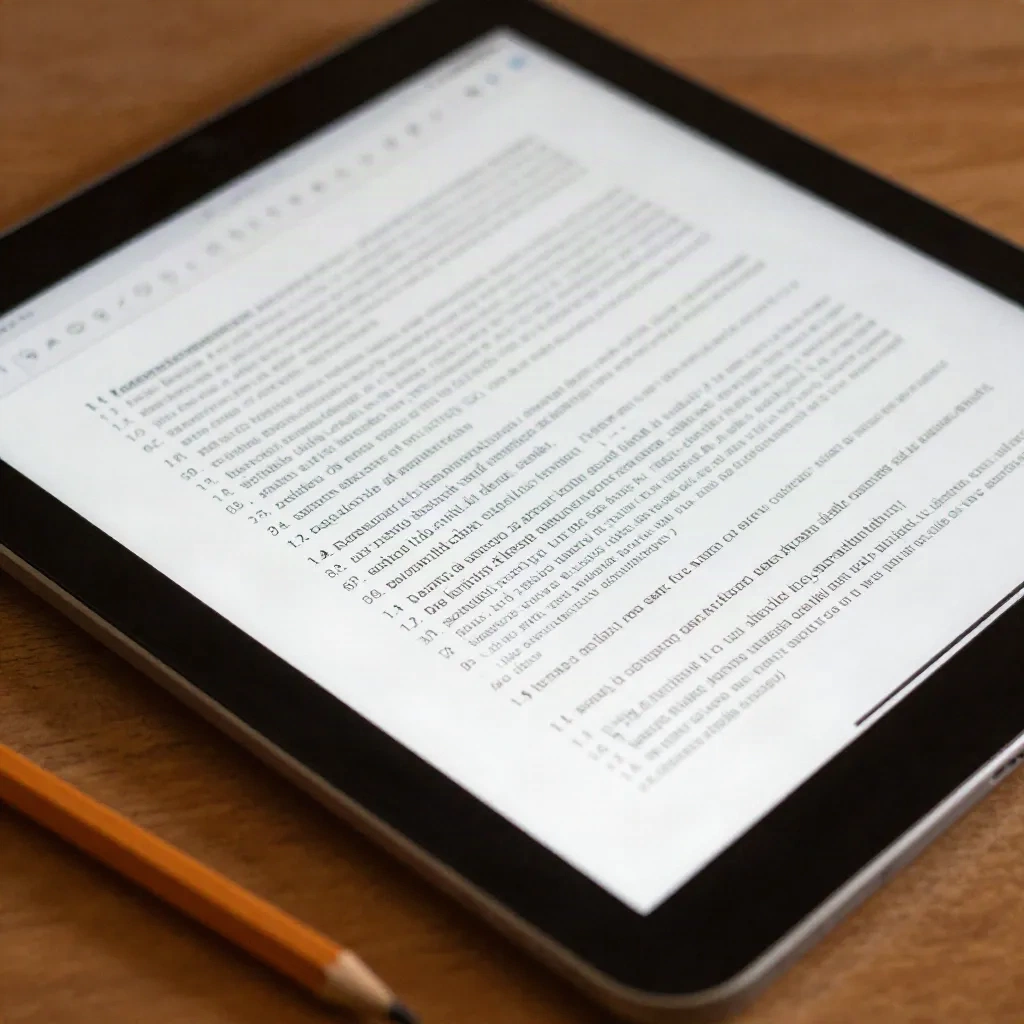
Header and section label repetition. Section numbers, figure captions, and running headers inject into the audio stream. If a document uses numbered subsections throughout, the narrator says those numbers every time.
Not every app handles all of these equally badly. The ones that perform best on academic content have custom PDF parsers that strip citation brackets, suppress footnotes to a secondary track, and skip figure captions. That is a specific engineering investment, and most consumer TTS apps have not made it.
What the research actually says about audio versus reading
A 2016 study by Rogowsky, Calhoun, and Tallal tested 91 college-educated adults in three conditions: digital audiobook, e-text, and dual modality (listening and reading simultaneously). The material was a chapter from Unbroken by Laura Hillenbrand. The result: no statistically significant difference across the three conditions in comprehension at the time of testing or two weeks later.
That is the source most often cited when TTS companies claim audio is as good as reading. It is a real, peer-reviewed result. But it used narrative non-fiction, not a biochemistry chapter, not a legal contract, not a mathematics textbook. Material structure matters for what the research actually shows. The study tells you that your brain does not prefer one modality over the other for absorbing a story. It does not tell you that TTS handles structured academic content well. That is a separate question with a different answer.
The practical signal here: TTS is not a shortcut for studying. It is a format shift. Used correctly on the right content, it processes roughly the same amount of information your eyes do. Used incorrectly, on the wrong material type or at the wrong speed, it processes less.
Speed traps: why 1.8x works for news and stalls on a textbook
The commuter use case and the study use case want different things from speed.
On a morning news article, 1.8x feels comfortable after three or four sessions. Your brain fills in gaps, you know the genre, the vocabulary is familiar. You absorb maybe 80 to 90 percent of what you would at normal reading speed, and the trade-off is fine.
On an introduction to organic chemistry chapter, the vocabulary is unfamiliar, the argument is load-bearing, and missing one sentence changes whether the next five make sense. At 1.8x you are not reading fast. You are skimming audio. The cognitive buffer fills, and the net retention from a 30-minute listening session may be lower than if you had read 12 pages slowly and retained them fully.
The practical adjustment: study material at 1.0x to 1.2x for the first pass, especially on unfamiliar topics. Use higher speeds for review sessions where you already know the structure of the argument. This follows the same logic as re-reading: the second pass of a familiar chapter at 1.6x is genuinely efficient. The first pass on new material is not.
Reading while listening: the dual modality edge
The Rogowsky study included a dual modality condition. The finding was that combining audio and visual input was comparable to, not significantly better than, either alone. But practitioners report something that study design could not capture: dual modality reduces attention drift.
When you are only listening, distraction is easy to miss. A sentence goes by while you think of something else, and unlike with a physical text, there is no visual evidence that your attention wandered. You do not notice the gap.
When you are reading along with the audio, the visual anchor and the audio stream create two synchronized inputs for the same content. Attention drift is caught faster. When the audio gets ahead of your eyes, you notice within a second or two. This is not a memory advantage. It is an attention management advantage, and for anyone who has sat in front of study material for 45 minutes and retained almost nothing, that is worth understanding.
Three tools that hold up on academic material
heartheweb handles article-to-audio cleanly on long-form content: essays, journalism, Substack pieces, newsletter archives. For studying, it is strongest on narrative and analytical material rather than structured academic PDFs. If your reading list runs toward research journalism and long-form analysis rather than textbooks, it fits the workflow well. The narrator voices hold up past 2,000 words without the prosody collapsing. Private RSS integration means you can queue reading list items from multiple sources without switching apps. $8 per month, or $6 per month on annual billing.
Readwise Reader is the strongest option for academic workflows where annotation is part of studying. It handles PDFs with reasonable fidelity, syncs highlights to Obsidian or Notion automatically, and its audio mode reads the full document rather than a reformatted extract. The audio quality on dense material is functional without being exceptional. At $7.99 per month, it is one of the better integrated reading and audio tools for students who annotate heavily.
Speechify has the broadest mobile integration and the most polished consumer experience. For students moving across multiple device types during a study session, that cross-platform consistency matters. On academic PDFs, citation handling is better than most apps: it suppresses many bracket sequences rather than narrating them. Voice quality on long content starts to flatten around the 15 to 20 minute mark on some narrator options. At $11.99 per month, it is the most expensive of these three.
Skip: NaturalReader is fine for shorter documents but degrades noticeably on anything over 8,000 words. Google's built-in TTS is free but has no PDF parsing intelligence whatsoever, reading every header, footnote, and page number as part of the main body.
When to skip TTS and just read
Two cases where TTS makes studying slower, not faster.
Math-heavy content. Any chapter where equations carry the argument is a text where listening means losing the structure. The narrator cannot render a differential equation into meaningful audio. You hear a string of symbol names in order, which is not how mathematical reasoning works visually. Use TTS for the explanatory prose paragraphs around the equations. Use your eyes for the equations themselves.
First encounter with a new conceptual framework. The first time you meet a concept, whether that is Kuhn on paradigm shifts or the first chapter on a new statistical method, you need to be able to stop, reread, and sit with the idea. Audio moves at a fixed pace and does not let you linger. Reading does. Reserve TTS for material you are consolidating, not material you are encountering for the first time.
Signal / bruit check: if you finish a 40-minute session and cannot summarize what you heard in three sentences, the modality was wrong for that material.
Before your next study session
Text to speech for studying works when the content type and the tool match. Narrative non-fiction, analytical essays, journalism, review papers in familiar fields: these run well through a narrator at moderate speed and deliver genuine time value. Dense technical first encounters, math-heavy chapters, and documents with embedded citation strings: these are harder territory where reading remains faster.
The apps that handle academic material best have made specific investments in PDF parsing, not just voice quality. Voice quality is the easier engineering problem. Handling the structural debris of an academic document, the citation brackets, the footnote injections, the section numbers, without routing it into the main audio stream is the less-discussed problem. It is also the one that determines whether a 40-minute session was worth the headphones.
QUEUE: 3 articles loaded. Narrator: calm. Speed: 1.1x. Start.