Text to speech vs speech to text: two different bottlenecks
Summary
Text to speech (TTS) converts written content, articles, newsletters, PDFs, into audio you can listen to without a screen. Speech to text (STT) does the reverse: it transcribes what you say into readable, editable text. They solve different bottlenecks. TTS is for information consumption on the move. STT is for thought capture without typing. Most knowledge workers who pay attention will eventually use both.
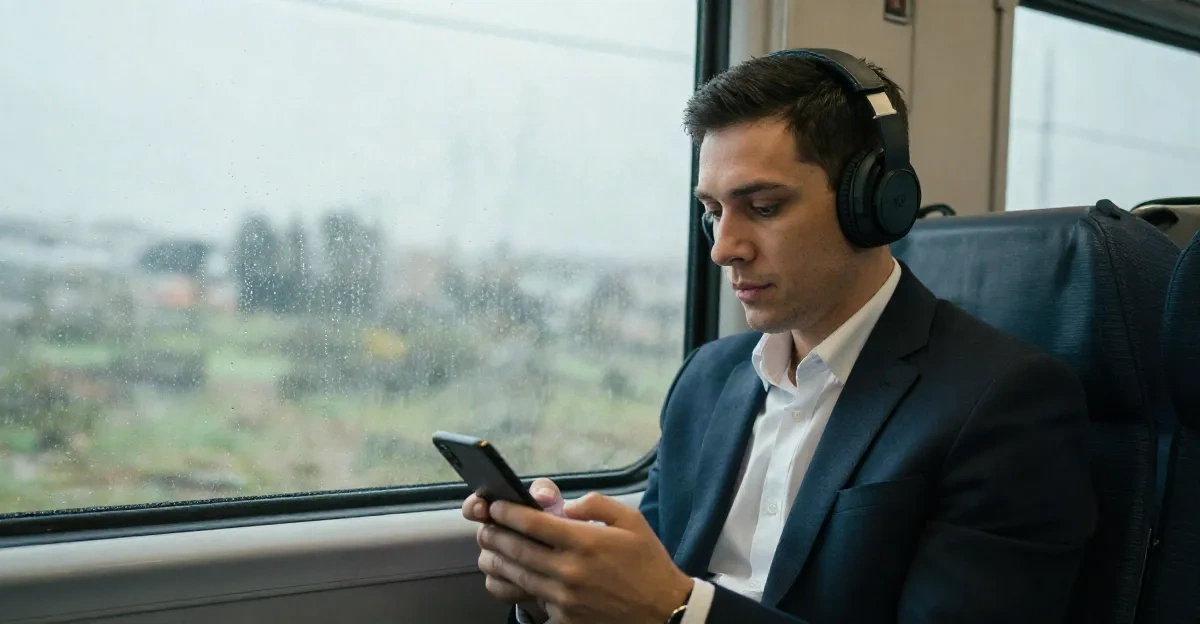
Text to speech vs speech to text: these are not two versions of the same tool, and the confusion between them costs knowledge workers real time every week. TTS converts written text into spoken audio. You feed it an article, it reads it aloud. STT works the opposite direction: it listens to speech and writes it down. You load up Otter.ai hoping to hear your saved articles on the commute, or you talk at Speechify expecting it to transcribe your meeting notes. TTS and STT solve different problems.
The signal runs in opposite directions
TTS and STT are not two versions of the same thing. They are mirror technologies. TTS takes text as input and produces audio as output. STT takes audio as input and produces text as output. That directionality determines everything: which use cases fit each one, which failure modes to expect, and why no single app covers both well.
This gets muddled because the same smartphone voice assistant does both. Siri listens to what you say (STT), processes the request, and speaks a response back (TTS). That pipeline is seamless enough that users stop noticing the seam. But in a deliberate reading and writing workflow, the distinction matters. Grabbing the wrong tool adds friction, not removes it.
The TTS market was projected to reach $6.52 billion by 2027, not because voice synthesis became a novelty, but because the use cases that drive it are real, recurring, and not going away: accessibility, commuter consumption, and content at scale.
Where TTS does its best work: your reading queue on the move
TTS is for when you have text you want to absorb but your eyes are not available. That covers more situations than most people realize: a 40-minute commute by train, a 6 km run, a task that requires hands and focus but not ears. The reading list problem, 200 articles saved, 4 read, is fundamentally a time-and-attention problem. TTS does not solve the triage step, but it solves the absorption step for everything that survives the triage.
The critical variable in TTS quality is narrator performance on long-form content. A 600-word product page and a 4,200-word essay on monetary policy require different things from the voice engine. Short content forgives a lot. Long-form surfaces every tic: unnatural pauses at commas, misread proper nouns, prosody that flattens out over paragraph three and never recovers. On pieces over 2,000 words, the gap between a decent TTS engine and a well-calibrated one is audible within 90 seconds.
Article formatting fidelity is the second variable. Headers, pull quotes, footnotes, and nested lists either land correctly in the narration or create jarring transitions, "H2 colon what the data shows" spoken aloud is not the same as reading the section break visually. The better TTS implementations detect structure and either skip formatting markers or convert them to natural transitions.
For users listening without a screen, including those with low vision or situations where looking at a phone is not possible, these quality differences are the whole experience, not a minor annoyance.
Where STT does its best work: thought capture at speaking pace
STT is for when you have thoughts you want to capture but your hands are not available, or when typing slows you down below the speed of thinking. The average person speaks at 130 to 150 words per minute. The average typing speed is around 40 words per minute for most knowledge workers who are not touch typists by training. That gap explains why voice dictation, once it became reliable enough, started showing up in meeting notes, Slack drafts, and CRM updates.
STT does not replace writing. It replaces the bottleneck of transcription, the part of writing that is just converting thought into keystrokes. Editing, structure, and revision still require text. But capturing the raw material at speaking pace rather than typing pace is a meaningful throughput change for people who write a lot of short-form documentation: meeting summaries, action items, voice memos during a walk that should not disappear.
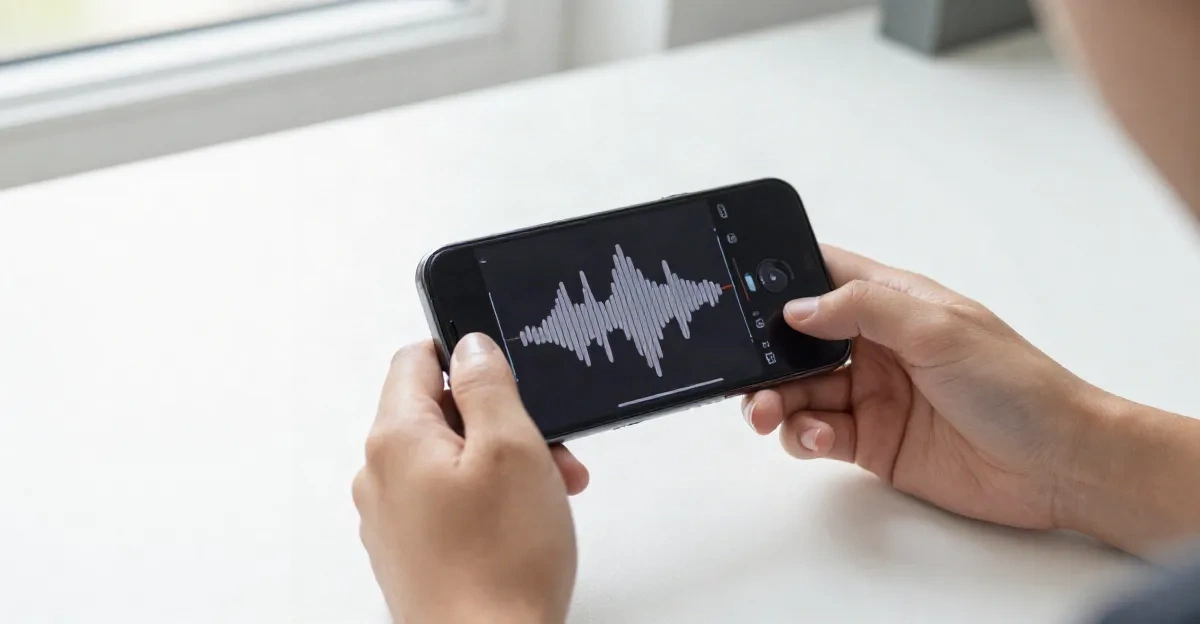
STT accuracy has improved substantially. The main failure modes in 2026 are accents (some engines still trail on non-American English), background noise (open offices and train platforms are hard), and technical vocabulary (proper nouns, product names, domain jargon). Models fine-tuned for specific domains, medical transcription, legal dictation, outperform general-purpose STT on specialized vocabulary by a significant margin. For most knowledge workers using STT for meeting notes or voice memos, a general-purpose model is adequate.
The accuracy question is different for each technology
TTS accuracy is roughly 95 to 99 percent on well-formed prose, the input is text, which is deterministic, so the engine is not guessing what was said. The variance shows up in edge cases: unusual proper nouns, non-English words embedded in English text, abbreviations that read differently in context ("St." as "Saint" versus "Street"), and numbers formatted ambiguously.
STT accuracy depends on much more: speaker accent, microphone quality, background noise, the specificity of the vocabulary, and whether the model has been tuned for that use case. General-purpose STT in quiet conditions with a clear microphone now achieves accuracy in the 90 to 95 percent range for most speakers of standard American or British English. That drops in noisy environments and for accents underrepresented in the training data.
The takeaway: TTS is the more reliable pipeline because it works with structured input. STT introduces uncertainty at the input stage that TTS never faces. For critical transcription, legal, medical, or anything that needs to be right, human review of STT output is still standard practice.
When TTS and STT belong in the same stack
They are not competitors. They are tools for different moments in the same workflow.
Here is a common knowledge worker day where both appear naturally:
Morning commute (TTS): QUEUE: 4 articles from yesterday's reading list, converted to audio, playing through headphones. 40 minutes. Three articles absorbed.
Post-meeting walk (STT): Key decisions from a 45-minute meeting, dictated as a voice memo while walking back to the desk. Two minutes, 280 words of notes captured without typing.
Evening article save (TTS): A long PDF report flagged from email. Added to the audio queue for tomorrow's commute.
These two tools are not fighting for the same slot. They occupy different moments in the day and different directions in the signal chain. Combining them is not redundancy, it is coverage.
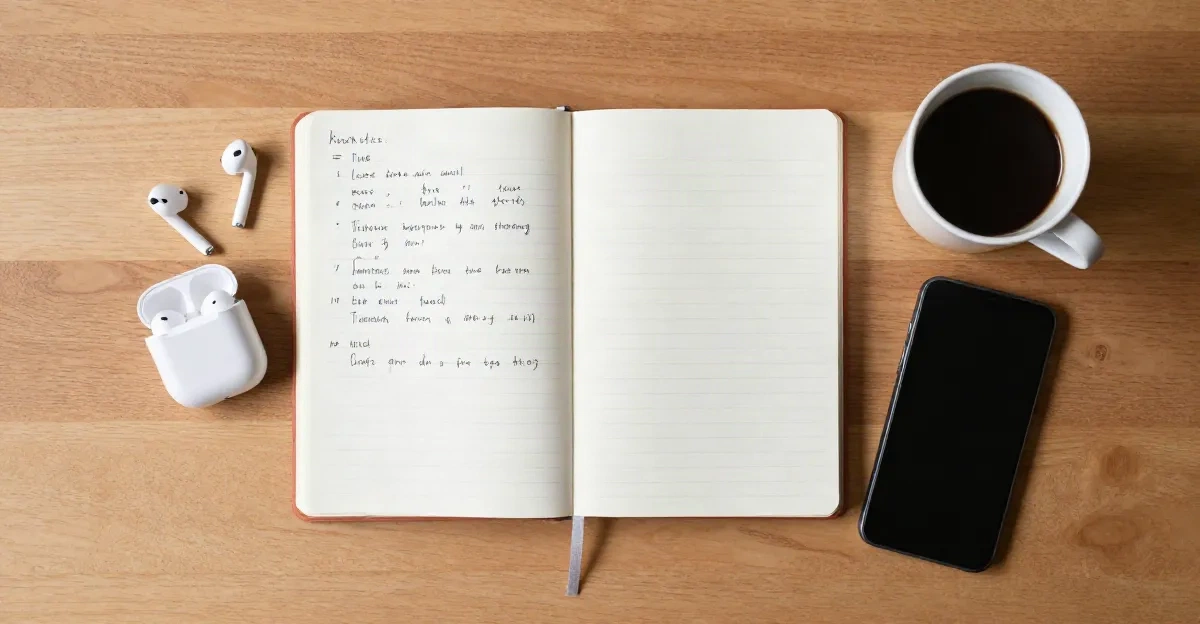
Three workflow profiles and the tool each one needs
The heavy reader who never finishes the backlog. The bottleneck is absorption time, not capture. TTS is the right intervention. The reading list gets longer faster than it gets consumed. Adding a voice layer to the existing queue, articles, newsletters, saved PDFs, means the same commute time that was dead time becomes absorption time. STT is not the answer here: there is nothing to dictate.
The meeting-heavy knowledge worker who loses context by 5 PM. The bottleneck is capture. Meetings generate decisions and action items faster than they get written down. STT during or immediately after meetings catches material that would otherwise decay. TTS might be secondary, perhaps for consuming briefing documents before a call. But the primary problem is capture, not consumption.
The independent researcher or writer who does both. Long-form reading and long-form writing are both in the workflow. TTS handles the consumption side: research papers, long essays, competitor content. STT handles the production side: rough drafts spoken while walking, voice notes from field interviews, first-pass transcriptions of recorded conversations. Both tools are running, for different jobs.
What breaks in practice
TTS breaks on formatting. Legal documents with complex table structures, articles with heavy use of footnotes, and newsletters designed for visual reading rather than sequential prose all produce narrations that are harder to follow. The fix is usually in how content is ingested, stripping formatting before narration, or using an app that handles the parsing step.
STT breaks on noise and vocabulary. An open office at 11 AM is harder than a quiet home desk. A meeting with six speakers and overlapping voices is harder than a solo dictation. Technical vocabulary, API names, product abbreviations, niche jargon, gets mangled unless the model has been fine-tuned or the transcription is reviewed.
Both technologies break when the wrong one is applied to the problem. Using STT to "listen to articles" produces nothing. Using TTS to "transcribe a meeting" produces nothing. The confusion costs time not because the tools are weak but because the use cases were never matched to the tools.
Before your next commute
If you have 20 articles in a read-it-later app that you have not opened in two weeks, TTS is what you need. Load the queue, add a voice, let it run. The content moves. If you are losing 30 minutes per day to typing notes that should be spoken, STT is what you need. Dictate the draft, clean it up, move on.
Most knowledge workers hit both bottlenecks. The stack that handles both, a solid TTS app for the reading queue and a reliable STT tool for capture, is not complicated. It is two tools, two directions, two different problems solved.
TRANSMITTING → voice: narrator-calm → format: mp3 → queue: your next 40 minutes