What Is a Workflow? A Reading Example, Step by Step
Summary
What is a workflow? It is a repeatable sequence of steps that moves work from a trigger to a defined outcome. It has four parts: a trigger, ordered steps, decision points and an end result. Design it on paper first, run it by hand for a few weeks, then automate only the step where you hesitate. A reading workflow is a small example: capture in one inbox, triage weekly, cap the queue at 10, read or listen, keep one highlight.
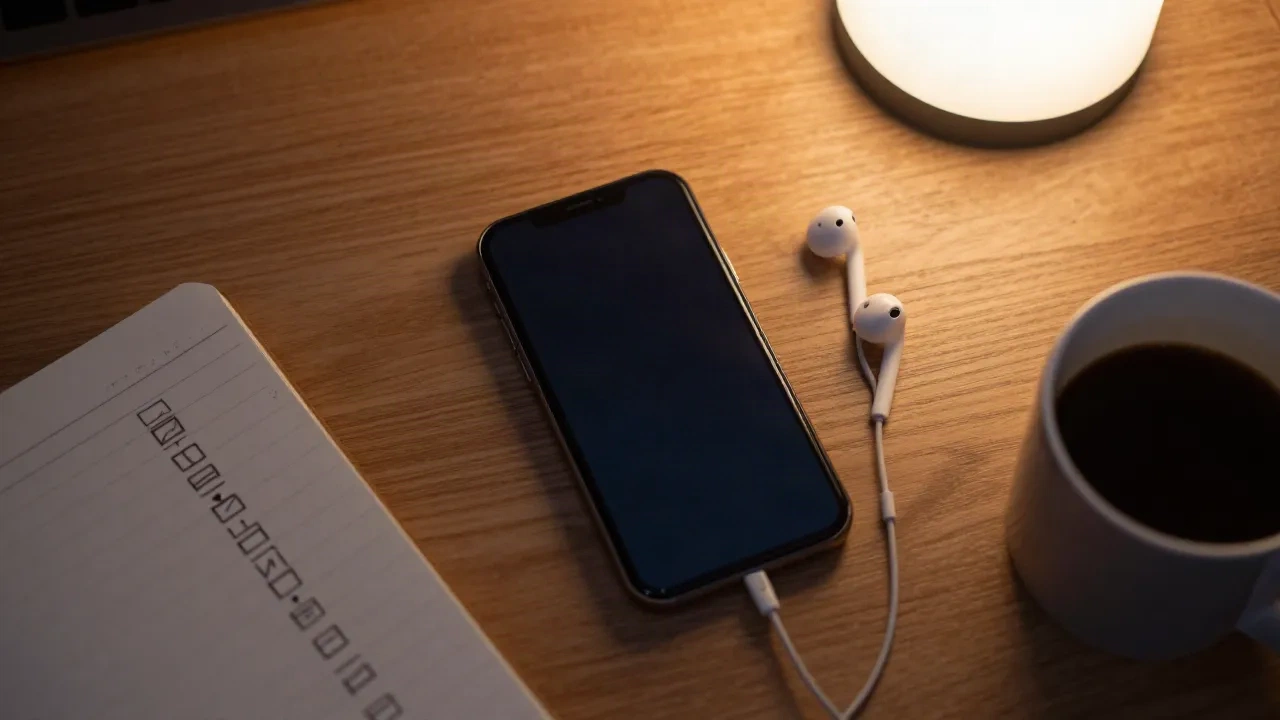
What is a workflow? A workflow is a repeatable sequence of steps that carries a piece of work from a trigger to a finished result. Something starts it, a fixed order of actions follows, and you know when it is done. For readers, the cleanest example is a reading workflow: an article gets saved, triaged, listened to or read, and its useful part is kept. The rest of this piece shows how to build one that survives a busy week.
So what is a workflow, exactly?
Strip the jargon and four properties remain. A workflow is repeatable: it runs the same way each time. It is ordered: step two waits for step one. It has a trigger: a save, a date, a message. And it has a defined outcome: you can say what "finished" looks like.
A to-do list is not a workflow. A to-do list is a pile. A workflow is the path the pile travels along. The difference matters because most reading lists fail as piles: 200 saved links, no order, no exit.
Two words cause confusion. The workflow is the design, written once. A run is one execution of it, for one article. Your save-then-listen routine is the workflow. Monday's three articles are three runs.
TRIGGER: article saved
STEP 1:  tag it (read now / listen / reference)
STEP 2:  queue it by length and mood
STEP 3:  consume it (eyes, or audio)
STEP 4:  keep one highlight or delete
OUTCOME: queue back to zero, one note kept
Workflow, process, automation: three words, three jobs
People use them as synonyms. They are not.
A process is the broader description of how work gets done, often including who is responsible and why. A workflow is one concrete path through it, step by step. An automation is a machine doing one or more of those steps without you. You can have a workflow with zero automation (index cards and a pen). You can also automate a bad workflow and get the same mess, faster.
That last point is the signal / bruit of the whole topic. Most advice about workflows starts with tools. The better order is: draw the steps, find the one that stalls, then decide whether software should take it over. Tools such as Zapier or n8n only make sense once you know which hand-off keeps breaking.
The anatomy: trigger, steps, decision, outcome
Every workflow, whether it is invoice approval at a 50-person company or an article queue on your phone, has the same parts.
The trigger starts a run. In reading, the trigger is almost always a save: a link sent to your read-it-later app, a newsletter landing in a dedicated inbox, a PDF dropped in a folder. Pick one capture point. Three capture points means three piles.
The steps are the actions in order. Keep them short enough to name in two or three words: tag, queue, consume, keep.
The decision points are where a run branches. The only decision a reading workflow really needs is the first one: does this deserve my time at all? A skim of the first 100 words answers it. If not, delete. A deleted article is a completed run, not a failure.
The outcome closes the run. Without one, runs never end and the queue grows. For reading, the outcome is concrete: one highlight kept, one note written, or the article gone.
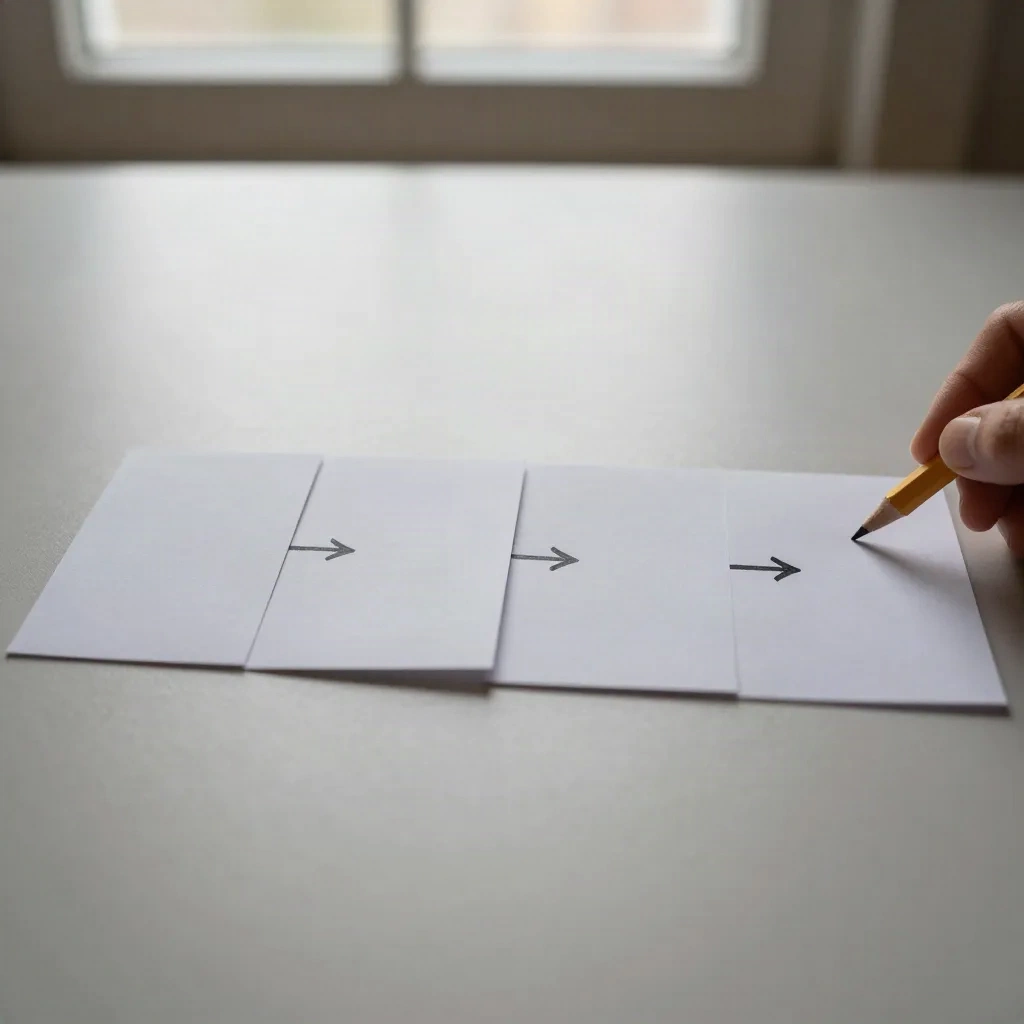
Why most reading workflows stall at step two
Capture is easy. A browser extension does it in one tap. Consumption is also fine, because reading is the fun part. The stall happens in between, at triage, because triage asks for a decision and decisions cost energy at the end of a day.
Run the arithmetic. Save 20 articles a week at an average of 1,500 words each. At a typical silent reading speed around 240 words per minute, that is about 6 minutes per article, 125 minutes a week. At a typical narration pace of 150 words per minute, it is 10 minutes per article, about 200 minutes. Those totals are rough, but they show the real constraint: the time exists in your week, it just does not exist at a desk.
So the fix is rarely a better tagging scheme. It is moving consumption to a slot you already have. A commute, a walk, a dishwasher cycle. That slot has no screen, which is exactly why audio fits a reading workflow so well, and why it is a practical option for anyone whose screen time is limited or whose eyes need a break.
A reading workflow you can set up in 20 minutes
Here is a minimal version. Five steps, one tool for capture, one for listening, and a hard cap.
=== STEP 1: CAPTURE ===
Choose one inbox. Everything goes there: links, newsletters, PDFs. If your tool supports a private email address or a share sheet, use it. Do not also save to bookmarks "just in case".
=== STEP 2: TRIAGE ONCE, WEEKLY ===
Set a fixed 15-minute slot, say Sunday evening. Give every item one of three tags: listen, read, reference. Delete anything you cannot tag in ten seconds. This is the only step that asks for judgment, so you do it once, not daily.
=== STEP 3: BUILD THE QUEUE ===
Order by length. Long pieces for long slots, short ones for gaps. Cap the queue at 10 items. The cap is the most important rule in the whole system, because a queue with no ceiling becomes the graveyard you started with.
=== STEP 4: CONSUME ===
NOW PLAYING is the state you want to reach without opening an app twice. Items tagged listen go to audio. Items tagged read wait for a desk. If you are choosing an app for the listening side, check how it handles long articles with subheads and quotes, and whether it offers a feed you can subscribe to in a normal podcast client.
=== STEP 5: KEEP ONE THING ===
For every finished run, keep one highlight or write one sentence, or delete the item. Not three highlights. One. This step is what turns reading into an outcome instead of a feeling.

Where tools help, and where they get in the way
Once the workflow exists on paper, software can take over single steps. The honest map looks like this.
Capture is the easiest to automate. A read-it-later app gives you a share button and an email address. Instapaper has done this for years and offers text-to-speech playlists on its paid tier at $5.99 per month. Matter takes the same idea and leans on clean typography and HD voices, priced at $8 per month when bought direct.
Triage is the step you should keep manual for the first month. Automating it too early hides the decisions you need to learn from. After a month you will know your rules, for example "newsletters from this sender always go to listen", and a rule like that is a good candidate for an automation.
Consumption is where a dedicated audio tool earns its place. NaturalReader reads web pages, PDFs and Word documents aloud, with word-level highlighting, which helps when you want to follow the text as it speaks. Check the pricing tiers before committing: its free plan caps premium voices at around 20 minutes a day.
Keep is the step most people skip. If you take notes in a plain-text system, a tool such as Obsidian can hold the one highlight per article, and the whole archive stays as local files you own.
One limit worth stating: Pocket, once the default read-it-later choice, shut its apps and extensions down in July 2025. A workflow whose capture step depends on one vendor inherits that vendor's risk. Keep an export of your saves, and prefer tools that let you leave.
Three mistakes that quietly kill a workflow
Too many steps. If a run needs more than five actions, you will skip some. Cut until it hurts, then cut once more.
No outcome. A workflow that ends with "read it" has no way to tell you it worked. End with a kept highlight, a note, or a deletion.
Automating before observing. Run the manual version for two to four weeks. Write down where you hesitated. Those hesitations are your real spec. Automating before that step means encoding guesses.
The same idea outside reading. The reading example is deliberately small, but the shape holds everywhere. An invoice arrives (trigger), gets logged, matched, approved and paid (steps), with one decision (does it match the purchase order?) and one outcome (paid and filed). A support ticket, a new-hire setup, a content review: same skeleton.
That is the practical answer to "what is a workflow". It is a skeleton you can lay over any recurring piece of work. Write the trigger, number the steps, mark the one decision, name the outcome. If you can do that on one index card, you have a workflow. If you cannot, you have a pile.
Before your next commute
Pick one inbox. Set one 15-minute triage slot. Cap the queue at 10. Decide what "finished" means for an article, and write it down in one line.
That is the whole workflow. QUEUE: 10 articles. Outcome: one kept highlight each. Run it for two weeks before you buy anything, then automate only the step where you caught yourself hesitating. A workflow earns its tools; it does not start with them.